Keep NetSuite. Prepare the close.
Ledge works inside the NetSuite you already run. Accounting Agents pull from NetSuite and 150+ integrations, draft entries in NetSuite format, and post when you approve. No replatforming, no rip and replace.
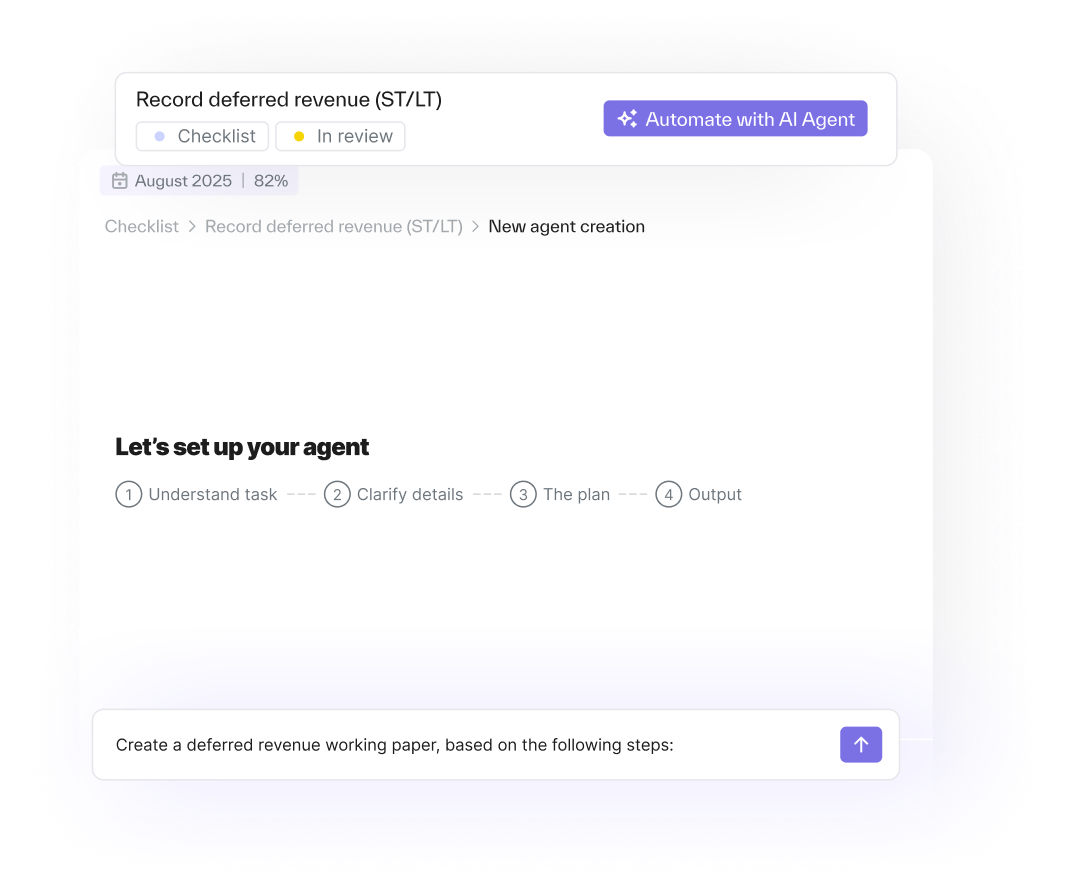
How Ledge works with NetSuite
A SuiteApp listed on SuiteApp.com. Ledge is a NetSuite partner with a SuiteApp listed on SuiteApp.com. You connect NetSuite in a click.
Two-way sync with the GL. Bi-directional sync keeps the general ledger current as you close. Accounting Agents connect to NetSuite as a real user and pull the reports themselves.
Entries posted on your approval. Journal entries are formatted for NetSuite with the fields your team uses, then posted when you approve. Nothing posts without your sign-off.
Drafted in your format, posted when you approve
- The Accounting Agent drafts the entry from source data, applies your accounting logic, attaches the evidence, and formats it for NetSuite. You review it, and Post to NetSuite sends it to the ledger.
- Every entry traces back to the source data behind it. Approval workflows with preparer and reviewer steps.
- Optional dual approval in Ledge and in NetSuite. The audit trail records every action.
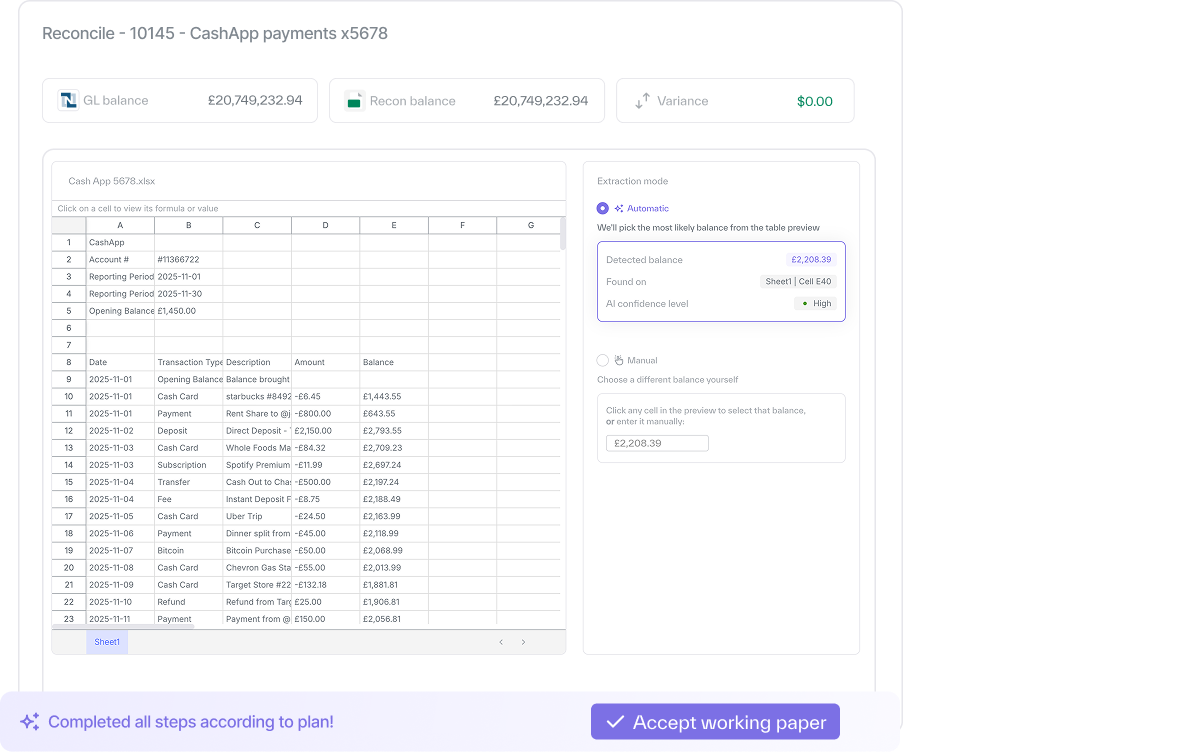
NetSuite tells you what is left. Ledge prepares it.
- Intelligent Close Manager shows you which tasks are late and where the exceptions are. Ledge does the work inside those tasks, then posts to NetSuite on your approval through the SuiteApp.
- Turn on what NetSuite includes. Keep your NetSuite workflows and approvals.
- Add Accounting Agents for the preparation work
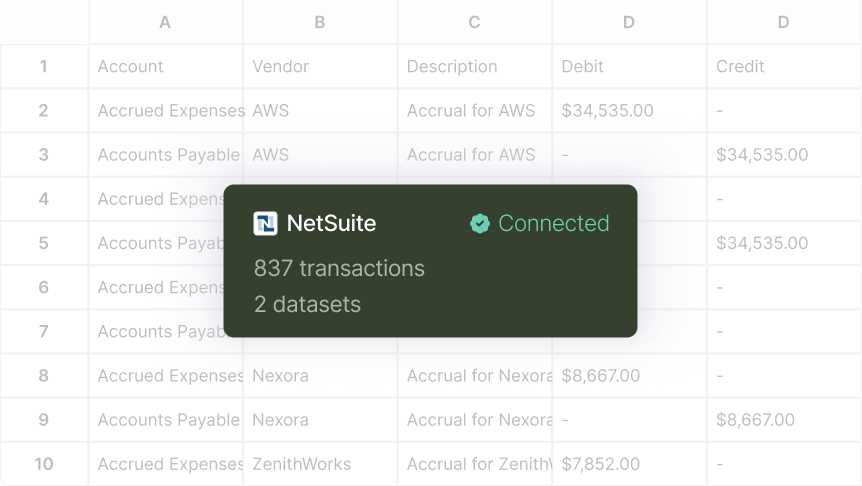
First Accounting Agent running within 2 weeks. A full close prepared within 30 days. No six-month implementation.
- Connect NetSuite. Install the SuiteApp, import your close checklist, and connect NetSuite in a click. You get task ownership, visibility, and alerts on Day 1.
- Connect sources and configure. In Week 1, connect banks, HRIS, billing, and your other data sources, and configure your first Accounting Agents with Ledge alongside your team.
- Review and approve. By Day 30 core tasks arrive prepared. You review, adjust, and approve, and approved entries post to NetSuite.
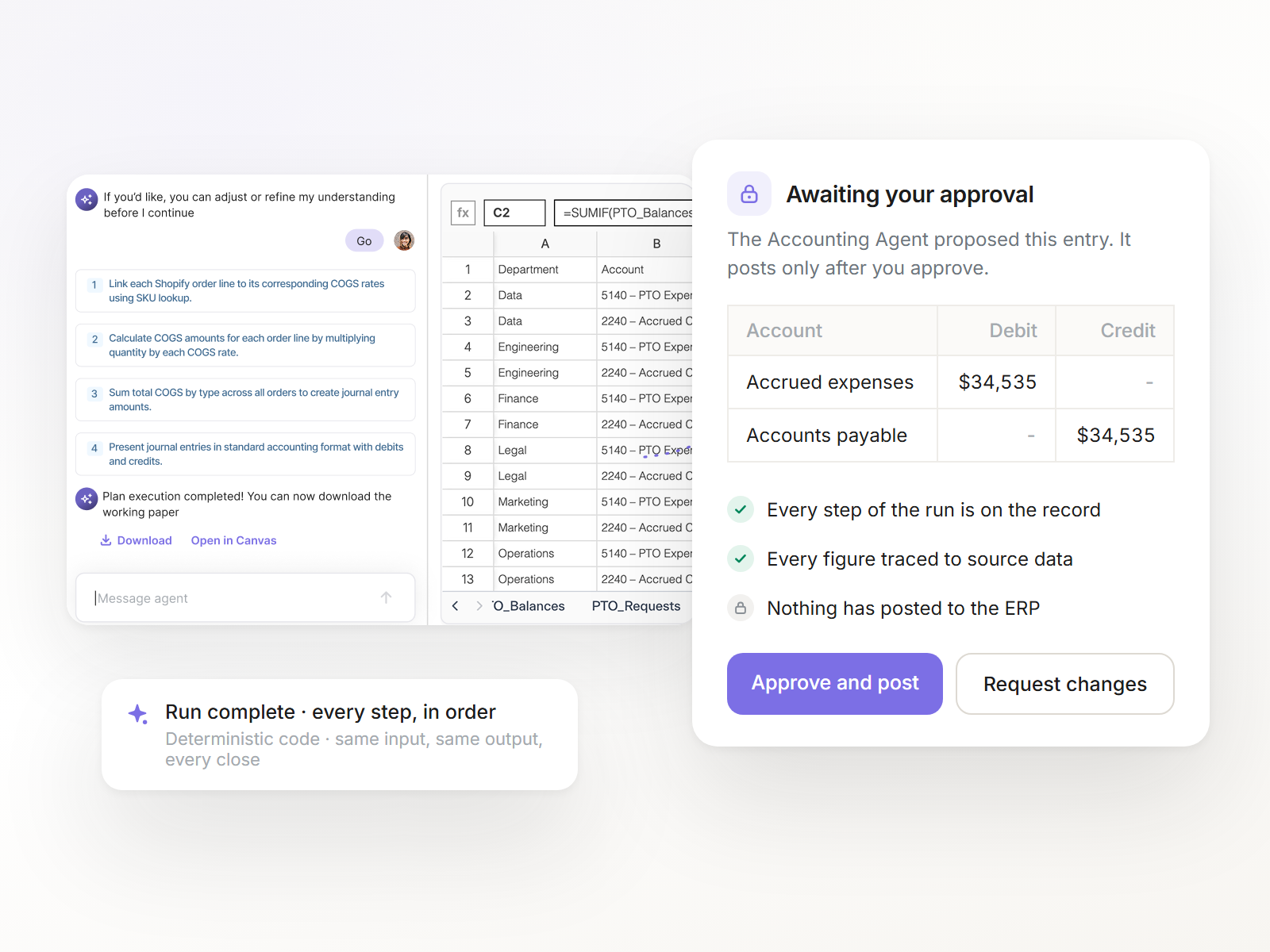
In Ledge and in NetSuite
- Accounting Agents propose before they act, and nothing posts to NetSuite without approval.
- Approval workflows support multiple preparer and reviewer steps, parallel or sequential sign-off, and segregation of duties.
- Optional dual approval in Ledge and NetSuite. Role-based access. An audit trail of every action.

The close tasks Accounting Agents prepare inside NetSuite


Ledge and NetSuite native close features


What NetSuite provides: Intelligent Close Manager (release 2026.1, enhanced in 2026.2): a Home portlet of system and custom close tasks linked to transactions, an AI-prioritized task list, plain-language summaries of close progress, period and transaction-type locking, and exceptions through Exception Management. It is documented to cover the primary accounting book. What Ledge adds: An agentic checklist that also does the work inside each task. The Accounting Agent pulls the data, builds the working paper, and drafts the entry for your review.
What NetSuite provides: NetSuite Next, rolling out since release 2026.2 (July 2026) in the US and Canada: Intelligent Flux Analysis, a workspace of AI transaction-matching suggestions, bank reconciliation improvements, and Ask Oracle, a conversational assistant. What Ledge adds: Accounting Agents tie the reconciliation at transaction level, draft the variance narrative from specific transactions, and prepare the journal entry for approval.
What NetSuite provides: Account Reconciliation in NetSuite EPM, a separate license, with AI matching and flux drafts. What Ledge adds: Reconciliations prepared inside the same checklist as every other close task, across your entities.
What NetSuite provides: Announced by Oracle as its vision for the close: a network of agents working together inside one system. It has not been announced as generally available. What Ledge adds: The close prepared today, with deterministic code, glass-box reasoning, and nothing posted without your approval.
On another ERP? Join the waiting list

Keep NetSuite. Prepare the close.
See an Accounting Agent prepare a reconciliation and draft the entry on your own NetSuite data.