Every entry type, accruals to intercompany, prepared and posted when you approve
Accounting Agents draft journal entries across your close task types. They pull from source systems, apply your accounting logic, format the entry for NetSuite, and post it when you approve.
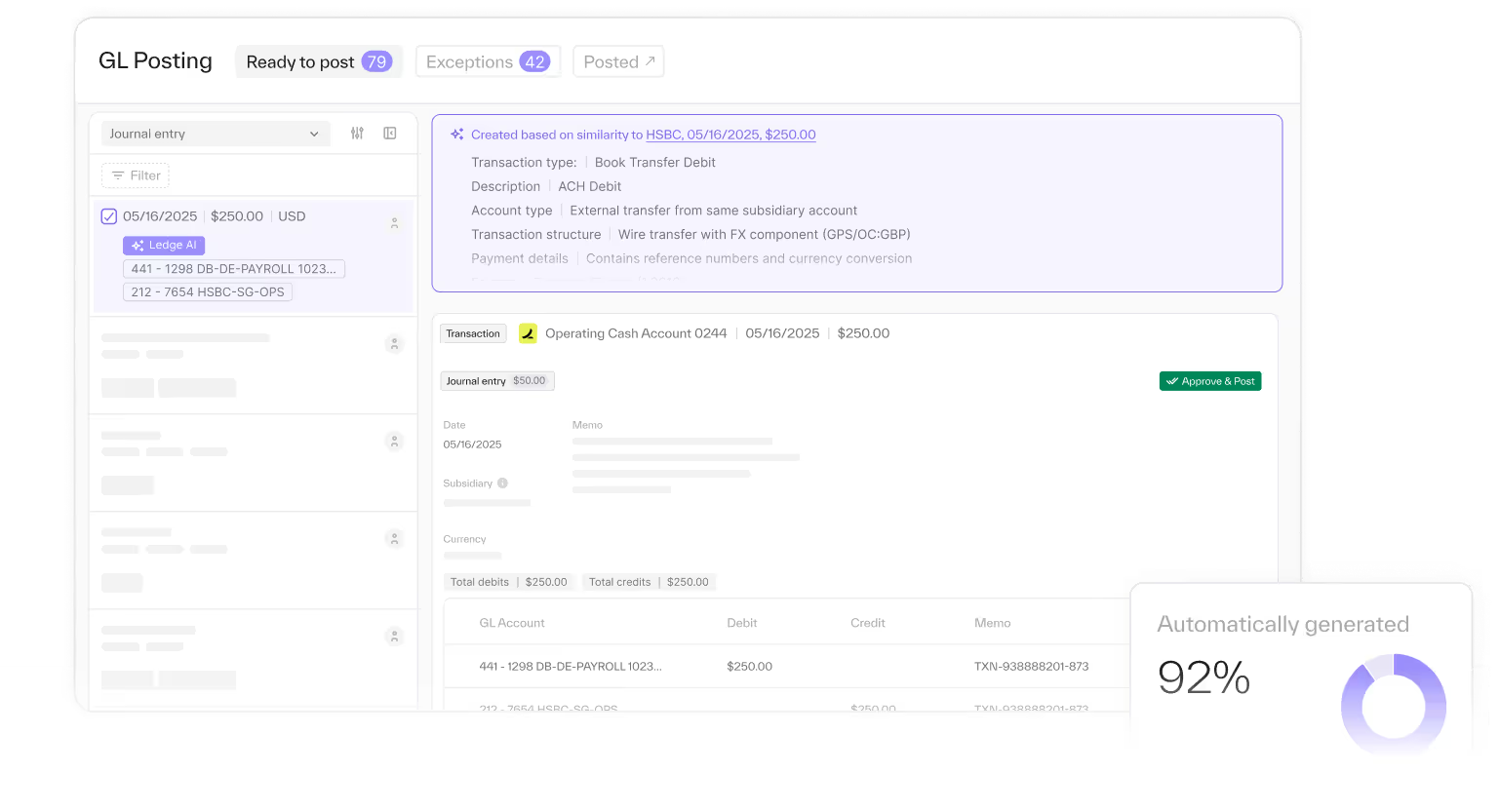
Entries are a throughput bottleneck
Every close, someone types the same entries from the same schedules. Accruals, deferrals, intercompany, each one built by hand from data pulled out of another system. The entries are not hard. There are just a lot of them.
I've been doing a mostly manual close for 15 years.
”
What the Accounting Agent prepares
- Drafted from source data. The Accounting Agent pulls the underlying records and applies your accounting logic, so the entry arrives with its support.
- Formatted for NetSuite. Entries come in the format NetSuite expects, with no re-keying.
- Posted when you approve. Nothing posts without approval. Bi-directional sync updates the GL in real time once you do.
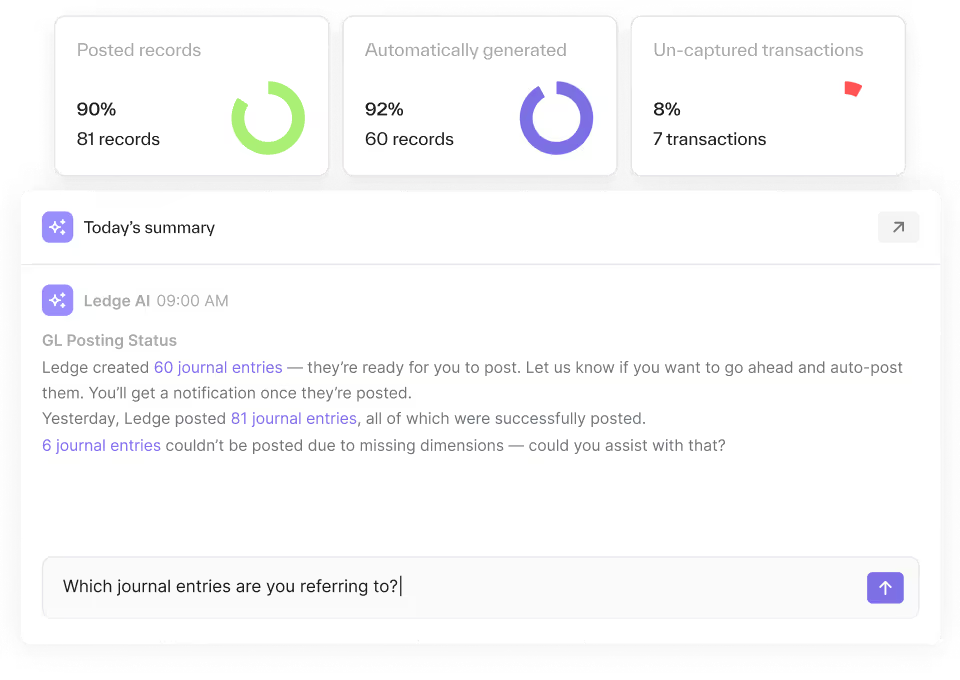
Every entry type your close needs
- Accounting Agents draft entries across all your close task types, so the limit is no longer how many entries your team can type.
- Accruals
- Deferrals
- Intercompany
- Adjustments for unmatched reconciliation items
- Any entry your team drafts from a repeatable process
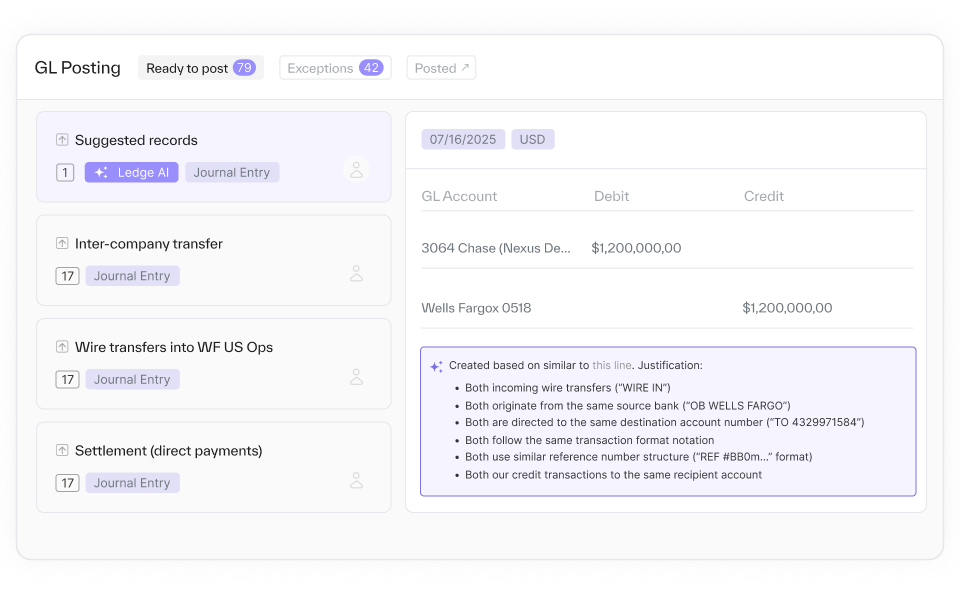
From source data to a posted entry
- Prepare. The Accounting Agent pulls source data and drafts the entry with your logic applied.
- Review. You see the entry, the support behind it, and the steps that produced it.
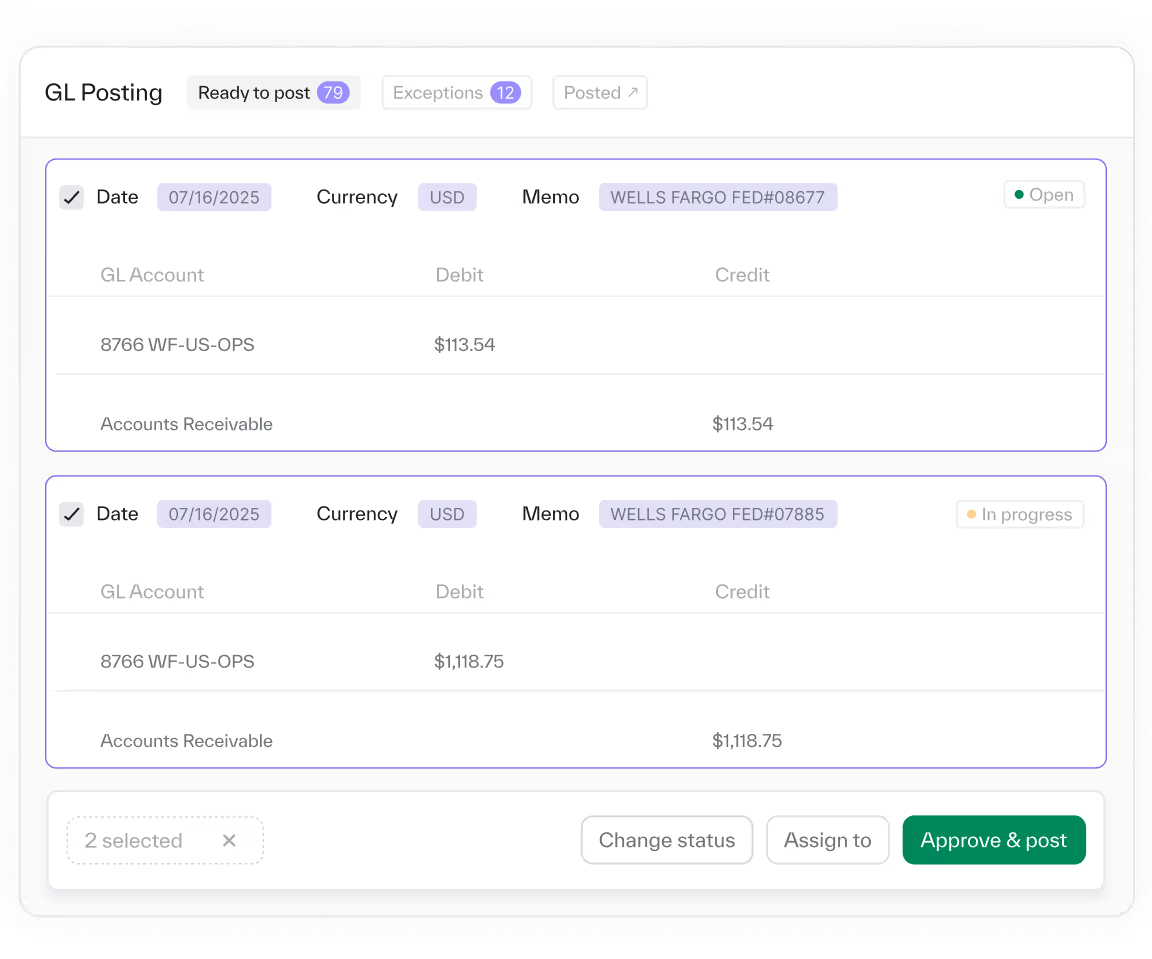
- Approve. Route the entry through your approval flow. Approvers see the evidence.
- Post. Once approved, the entry posts to NetSuite and the GL stays current.

Nothing posts without an approval step
- Accounting Agents propose before they act. Each entry waits for approval in your workflow, with the evidence attached, and the audit trail records who approved what.
- Approval workflows with multiple preparer and reviewer steps
- Optional dual approval in Ledge and NetSuite
- An audit trail of every action
- How you're in control →
More ways Accounting Agents prepare the close


Common questions


No. Accounting Agents draft the entry and wait. It posts to NetSuite only after your team approves it.
Yes. Each entry links back to the data it was built from, and the steps that produced it are visible.
Entries across your close task types, from accruals and deferrals to intercompany. If your team drafts it from a repeatable process, it can be prepared.
A journal entry formatted for NetSuite, posted on approval through the Ledge SuiteApp. Bi-directional sync keeps the GL current.
Open the task. The entry is drafted.
See entries prepared and posted on approval, on your own NetSuite data.