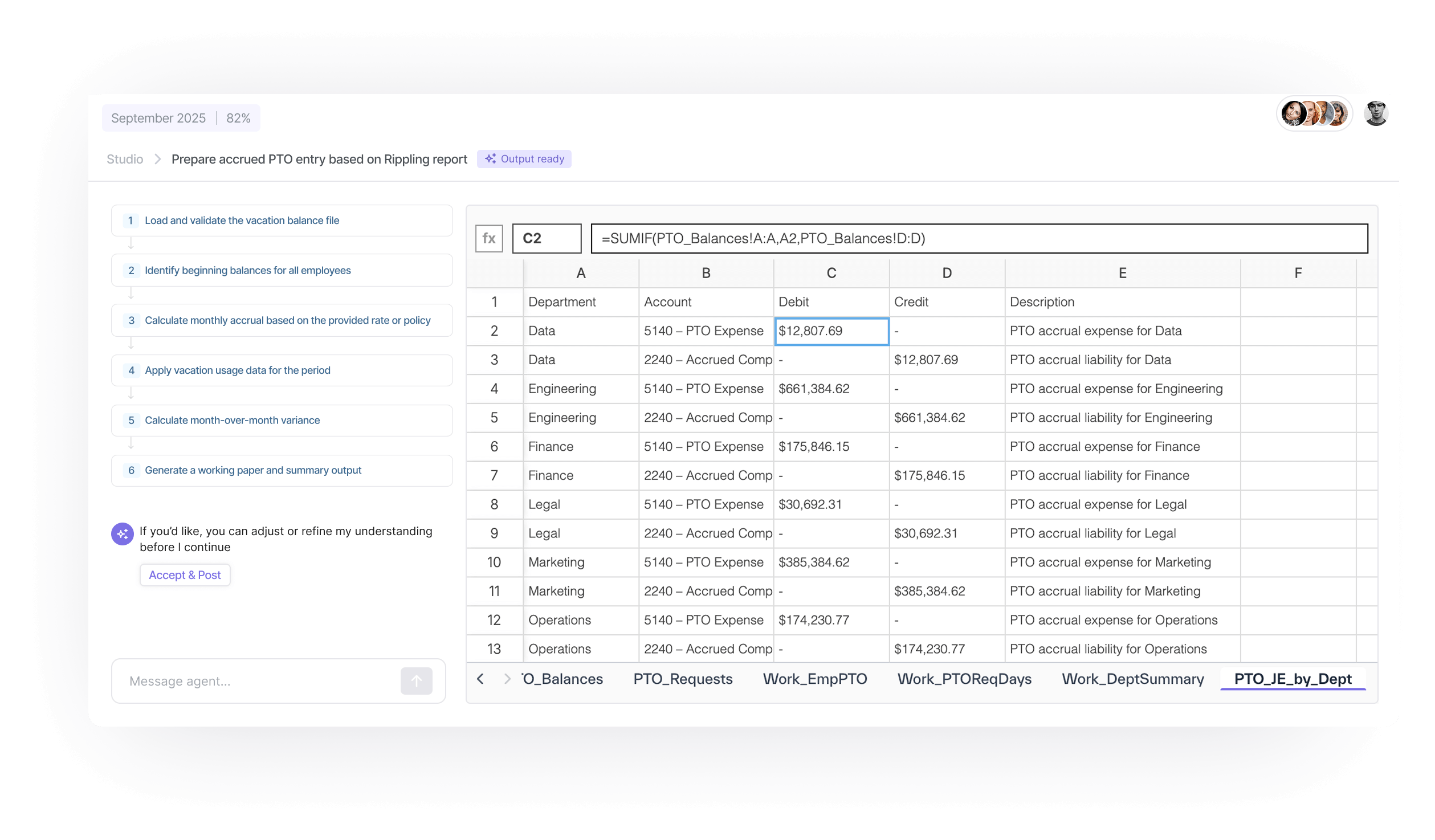
Open the task. The spreadsheet is there.
Accounting Agents pull data from NetSuite and 150+ integrations, then build the complete multi-tab working paper with live formulas that mirror your team’s existing structure. Every cell traces to source data.
Hours of pulling, pasting, and formula-building
Open last month’s file. Change the date. Download the bank statement. Run the NetSuite report. Paste both into Excel. VLOOKUP. It is not hard. It is exhausting, and it is the same every month.
Copying and pasting is the vein of my existence during month close.”
What the Accounting Agent prepares

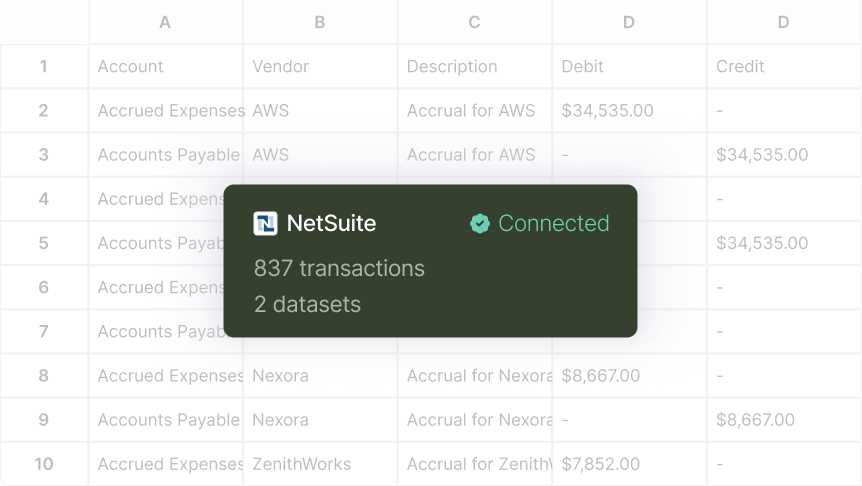
Source data comes straight from NetSuite and 150+ integrations, so no one downloads a report and pastes it in.

The working paper is built complete, mirroring the structure your team already uses.

Reviewers and auditors can follow any figure back to the data it came from.
From spreadsheet to Accounting Agent
- Show your spreadsheet
Start from the working paper your team already builds, with its tabs, formulas, and layout. - Connect the sources
Link NetSuite and the systems the spreadsheet draws from. - Prepare
Each period, the Accounting Agent builds the working paper and flags what does not tie. - Review and approve
Open the task, review the spreadsheet, adjust what needs judgment, and approve.
Your structure, built for you every period
The working paper is a native Excel file with your formulas and layout. Nothing changes about how your reviewers read it. What changes is who built it.
- Native Excel output
- Your existing formulas and structure preserved
- Every cell traces to source
You see the plan, then the work
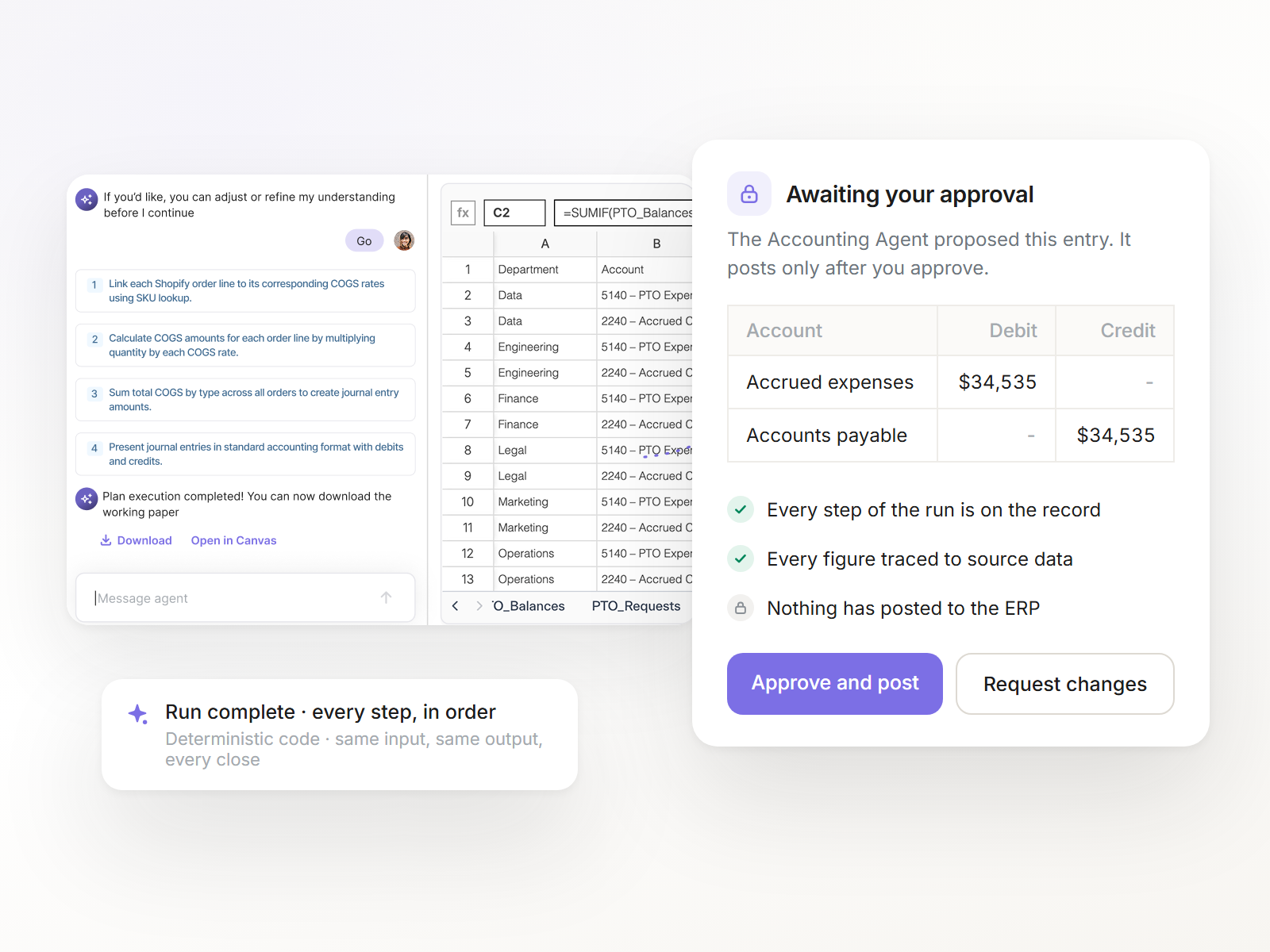
The Accounting Agent shows its plan next to the working paper it built, so reviewing starts from reasoning you can read, not output you have to reverse-engineer.
- Glass-box reasoning on every step
- Deterministic code, run the same way every period
- Corrections make the next close sharper
Common questions


No. Accounting Agents rebuild the Excel working papers your team already uses, with formulas, structure, and audit trail intact.
From NetSuite and 150+ integrations. The Accounting Agent pulls it each period, so nobody downloads and pastes.
Yes. Every cell traces to source data, and the audit trail builds as you close.
Ledge configures your first Accounting Agents alongside your team. Your first one is running within two weeks.
More ways Accounting Agents prepare the close
Accounting Agents match transactions against live bank feeds, flag exceptions with context, and draft entries for anything unmatched.
Learn more →Every entry type, prepared and posted when you approve.
Learn more →Variance explanations that are actually thorough.
Learn more →Open the task. The spreadsheet is there.
See a working paper prepared on your own NetSuite data.