Auto-generate any working paper with AI agents
Ledge’s AI agents pull data from your ERP and other systems, then build complete, multi-tab spreadsheets with live formulas and full traceability. Every working paper ties back to source data and to the journal entries posted in your ERP.
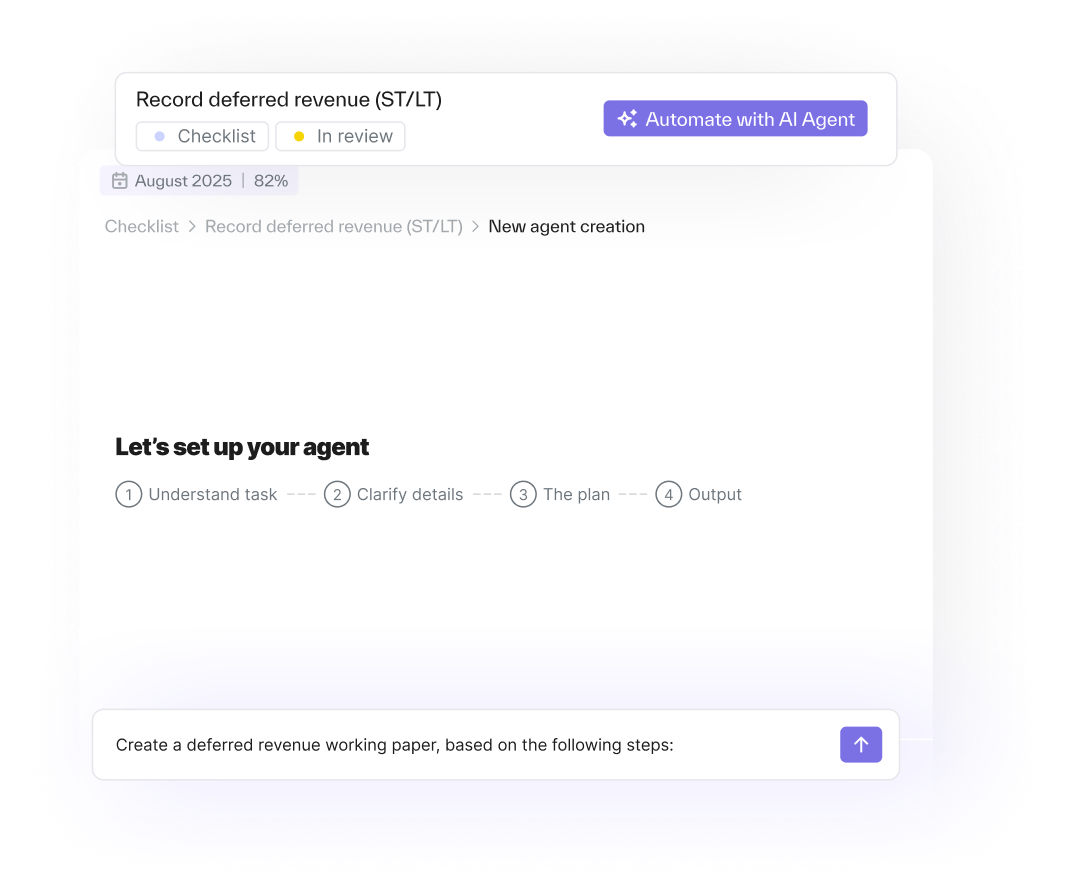
Turn any spreadsheet workflow into an AI agent
Every team builds working papers differently — Ledge adapts to yours.
Describe how your schedule works: the data it uses, the structure you expect, and the way you tie things out. The agent learns your workflow, asks for input when something is unclear, and reproduces your version every period.
Whether your process uses POs, bills, payroll data, allocations, entity rules, or something unique to your business, the agent follows your exact approach.

With Ledge, we can scale reconciliation without scaling headcount.
We were able to go live quickly without R&D or costly implementers & saw very fast time to value.”

AI-generated working papers for every part of the close
Let AI agents generate high-quality, consistent working papers every month
- Automate the working papers your team maintains today: prepaids, accruals, intercompany, payroll, deferred revenue, and more
- Have Ledge generate multi-tab spreadsheets with live formulas that mirror how your preparers structure them today
- Attach an AI agent to each working-paper task, so “prepare the schedule” becomes “the agent needs your review on the schedule”
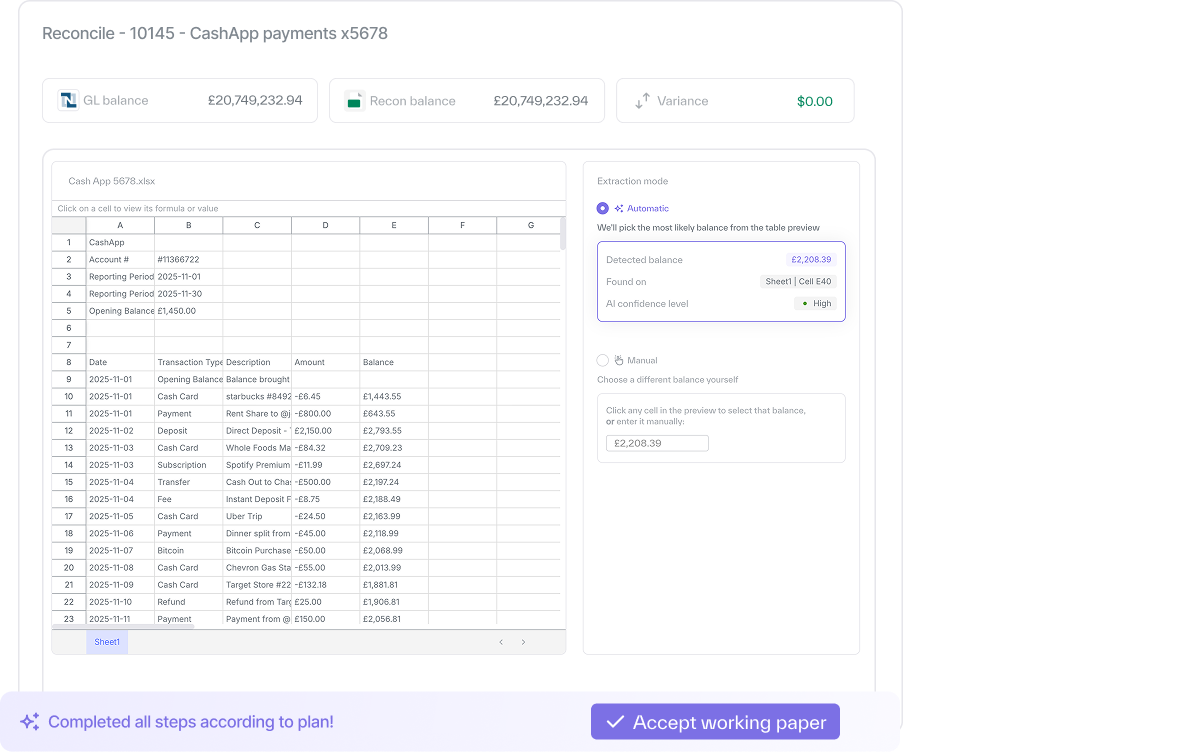
Pull data directly from NetSuite and your other systems
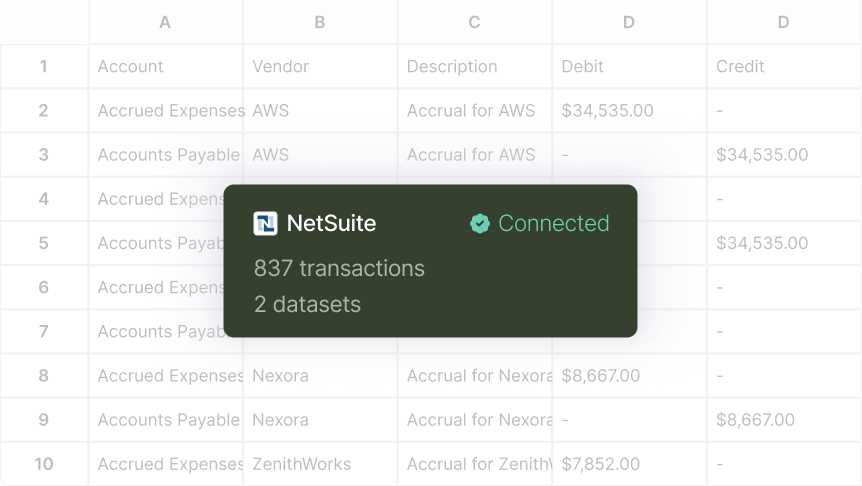
- Pull purchase orders, bills, prior accruals, journals, and more directly from NetSuite, banks, HRIS, AP, and hundreds of other integrations
- Keep every number fully traceable with dedicated source-data tabs and live formulas
- Give auditors and reviewers end-to-end visibility into how each balance ties back to its system of record
See exactly what the agent did, and step in where judgment is needed
- Review the full log of the agent’s reasoning, steps, and decisions behind each working paper
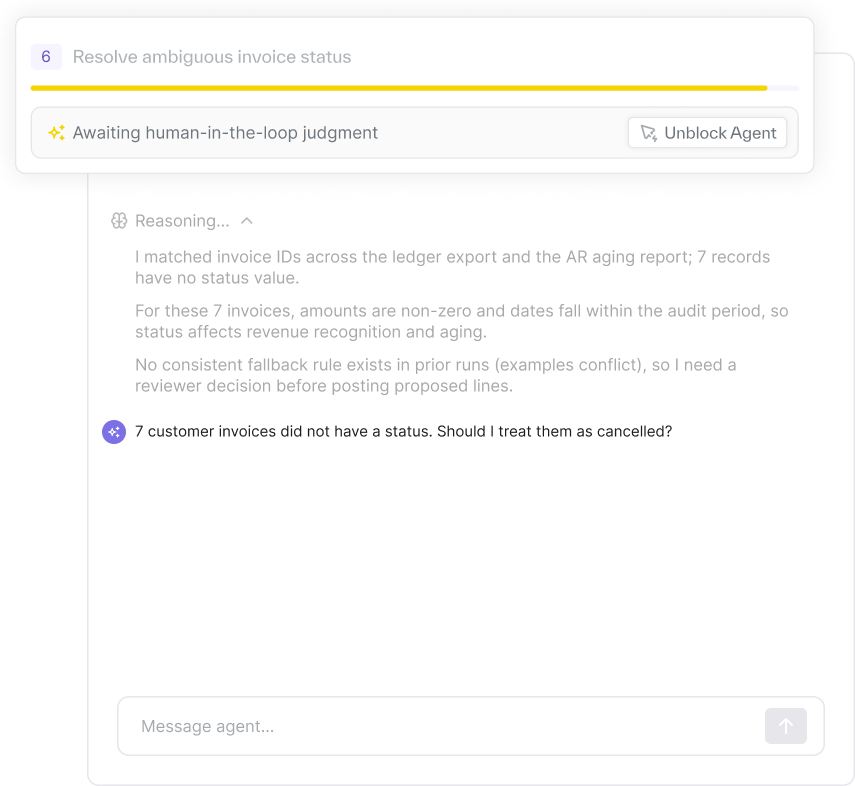
- Approve or adjust proposed lines when the agent encounters something new or ambiguous
- Teach the agent once — it learns from your corrections, so future runs don’t repeat the same questions
Create & post journal entries from working papers automatically
- Generate journal entry lines automatically from the working paper the agent generates — no manual copying or reformatting
- Post entries to NetSuite straight from Ledge — no templates, imports, or manual formatting
- Keep the spreadsheet as the linked backup for audit and documentation

Core capabilities


Why finance teams choose Ledge
FAQ


Yes. Ledge generates multi-tab Excel workbooks with live formulas, rollforwards, source data tabs, and full traceability. These are native .xlsx files — not proprietary formats, locked views, or PDF exports. Your team works in the same medium they trust, without the manual preparation.
Yes. Every working paper includes a glass-box audit trail showing what data was pulled, what logic was applied, and how the output was derived. Source data is attached, formulas are live and inspectable, and rollforwards maintain period-over-period continuity. Auditors can trace any number back to its source.
You describe the workflow in natural language or upload an existing spreadsheet. Ledge AI analyzes the task and writes bespoke, deterministic code to replicate it. This is not a template — it is custom code written for your specific workflow, accounts, and business logic. The code runs reliably every period.
Ledge handles custom logic. If your prepaids schedule has unique amortization rules, or your revenue recognition has modified cash basis for certain streams, you describe the logic and the AI writes code to execute it. The more specific your description, the more accurate the output.
No. Agents prepare working papers and present them for review. Your team inspects every output before it becomes the official record. If something looks wrong, you correct it and the agent learns from the correction for future periods.
For most teams, 57-83% of the close workload is automated. Low-complexity tasks (approximately 60% of the close) are automated at 90-100%. The manual rebuild — pulling data, pasting into Excel, rebuilding formulas, updating rollforwards — is what Ledge eliminates.
Automate every working paper — from the simple ones to the unique ones
Your close runs faster when your spreadsheets build themselves.