Reconciliation that runs continuously, not as a monthly marathon
Accounting Agents match transactions against live bank feeds, flag exceptions with context, and draft the journal entry for anything unmatched. Your team opens a tied reconciliation and reviews it.
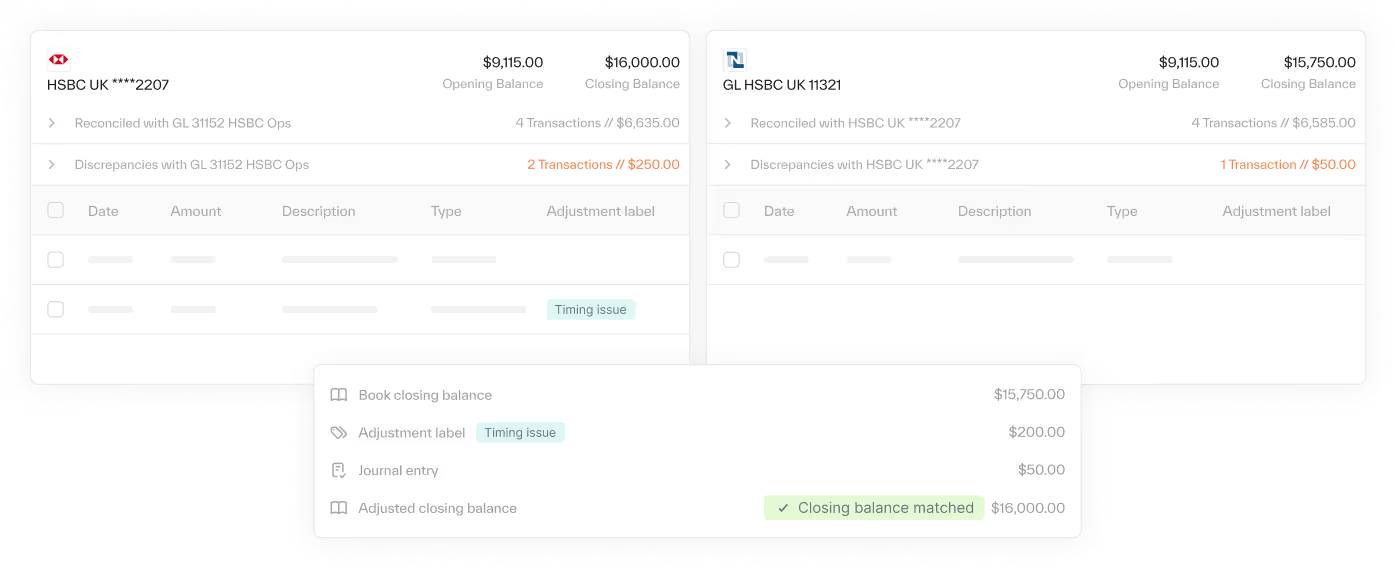
The four-to-five day marathon is a preparation problem
Pull the bank statement. Run the NetSuite report. Paste both into Excel. Match by hand. Hunt for the three transactions that do not tie. Then do it again next month.
At some point we actually give up trying to complete reconciliations because the new month is about to close.”
What the Accounting Agent prepares

Continuous, transaction-level reconciliation against live bank feeds via the Swift network and direct APIs, not a once-a-month balance check.

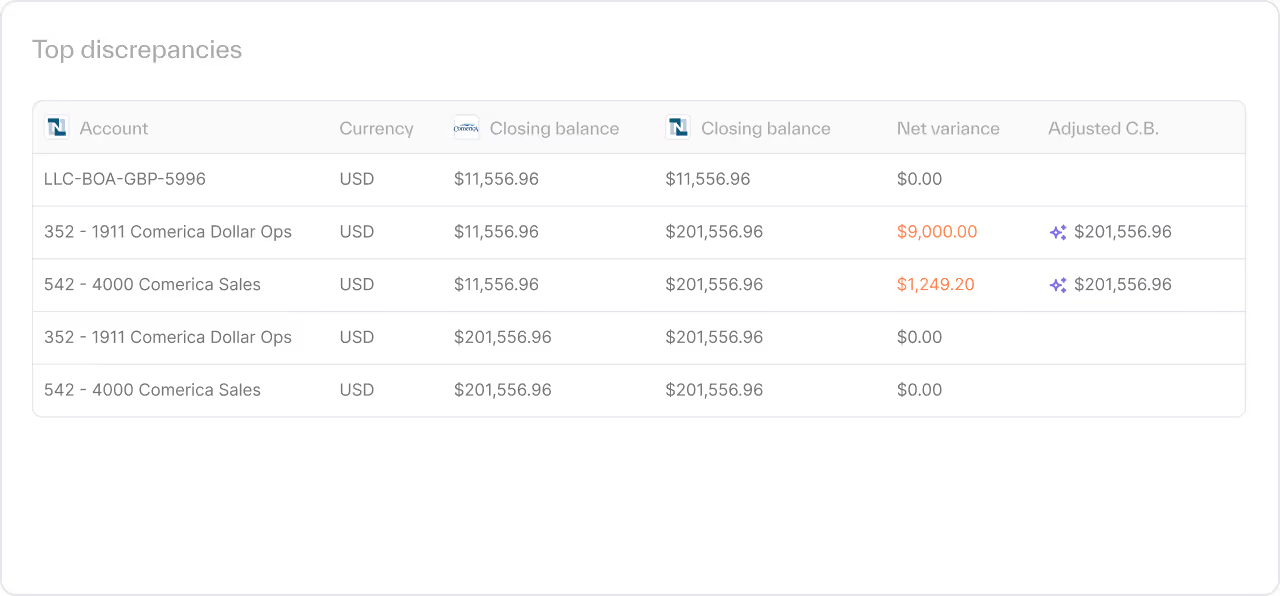
Unmatched items surface with the source records beside them, so your team investigates instead of searching.

The Accounting Agent drafts the journal entry from source data and formats it for NetSuite. You approve before anything posts.
From bank feed to approved reconciliation
- Connect
Link NetSuite and your bank feeds. Your existing reconciliation structure comes with you. - Prepare
The Accounting Agent matches transactions, builds the working paper with live formulas, and flags exceptions. - Review
You open the task to a tied reconciliation. Adjust what needs judgment. - Approve
Approve the drafted entries. The audit trail is already built.
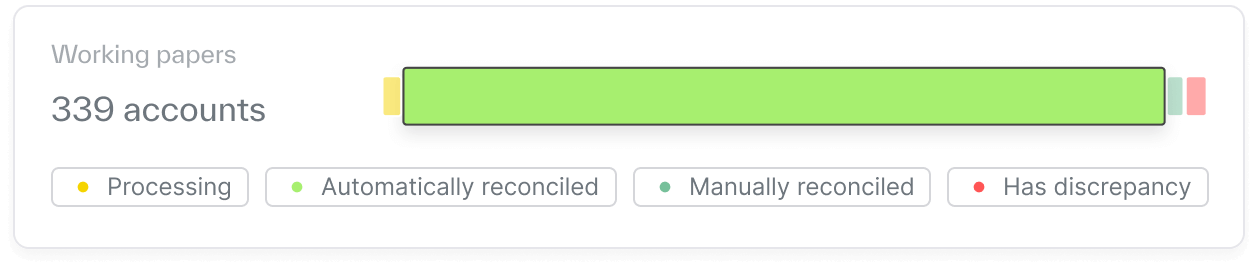
Keep your Excel structure
The working paper is a native Excel file with your formulas and layout. Every cell traces to source data, so reviewers and auditors can follow it.
- Live formulas your auditors can trace
- Glass-box reasoning on every match
- You're in control: nothing posts without approval
Common questions


No. Ledge works inside the NetSuite you already run and connects to your bank feeds. Accounting Agents prepare the reconciliation; the system of record stays the system of record.
Every Accounting Agent runs bespoke, deterministic code, written once and run the same way every period. Glass-box reasoning shows each step, so you can see why a transaction matched or did not.
They are flagged with context and routed in your close checklist. The Accounting Agent drafts an entry for unmatched items, and you approve it before it posts.
Your first Accounting Agent is running within two weeks, and a full close is prepared within 30 days.
More ways Accounting Agents prepare the close
Open the task. The spreadsheet is there.
Learn more →Every entry type, prepared and posted when you approve.
Learn more →Variance explanations that are actually thorough.
Learn more →