Accounting teams are beginning to build AI agents for transaction matching, reconciliations, journal entry preparation, flux analysis, supporting-document collection, and other month-end close tasks.
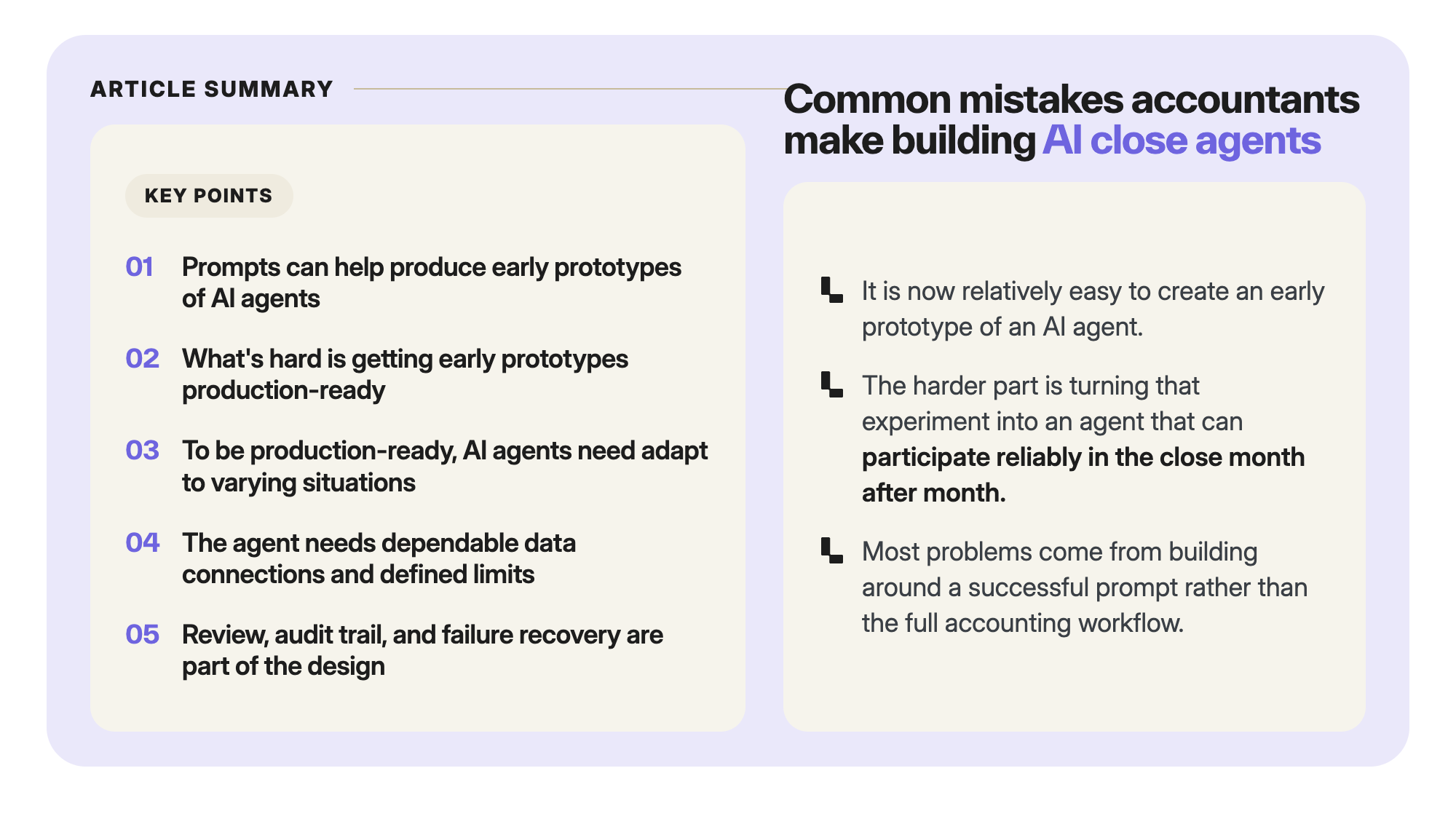
It is now relatively easy to create an early prototype of an AI agent. An accountant can upload a spreadsheet to ChatGPT or Claude, describe the task, refine the prompt, and generate a promising result.
The harder part is turning that experiment into an AI agent that can participate reliably in the close month after month.
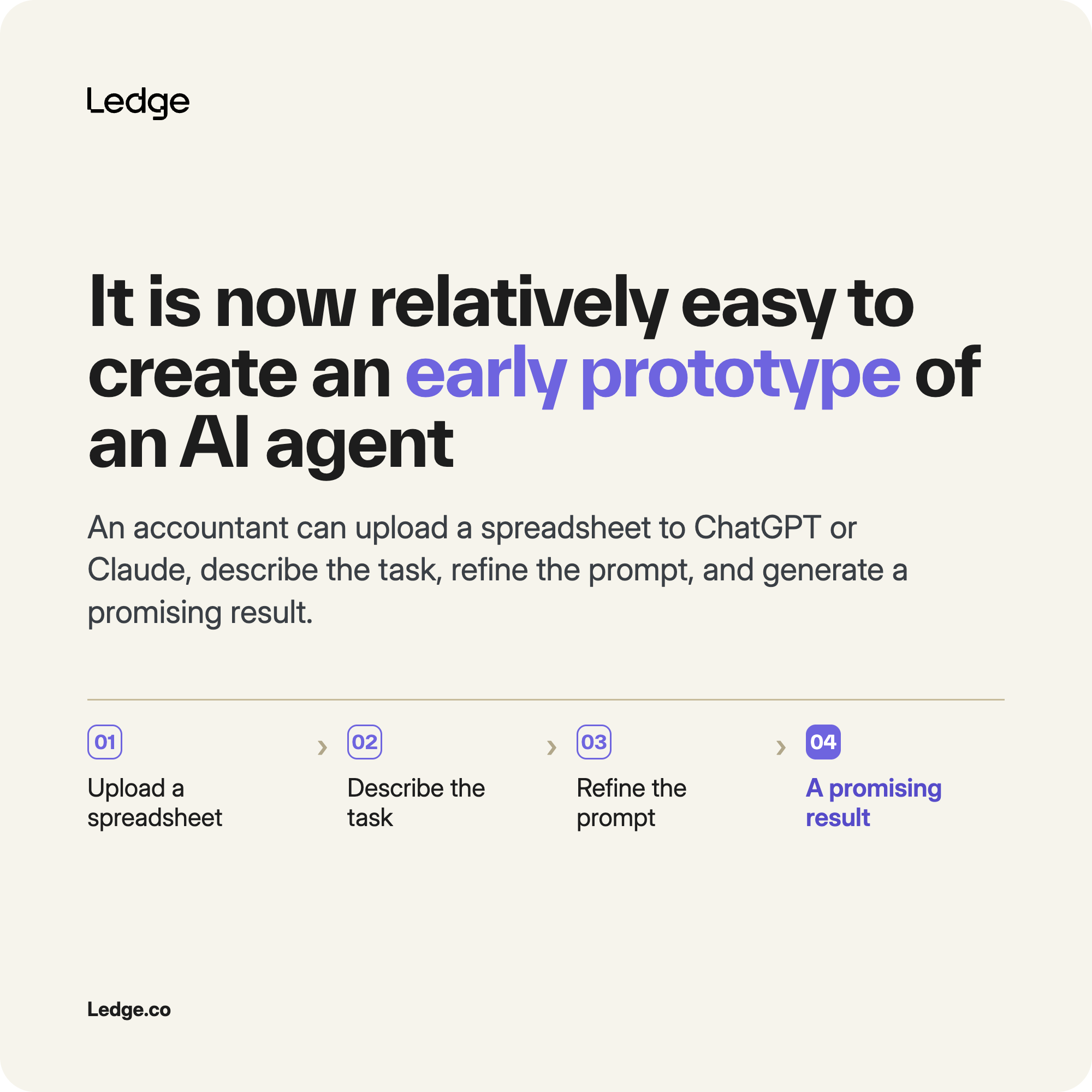
The month-end close is not a one-time data exercise. It is a recurring, deadline-driven process involving multiple systems, changing transaction populations, accounting rules, supporting evidence, exceptions, reviews, approvals, and audit requirements.
An AI agent may perform well with one carefully selected spreadsheet but struggle when the next close introduces a new entity, changed report format, missing document, unfamiliar transaction, or failed integration. It may also produce a plausible output without confirming that the underlying data is complete.
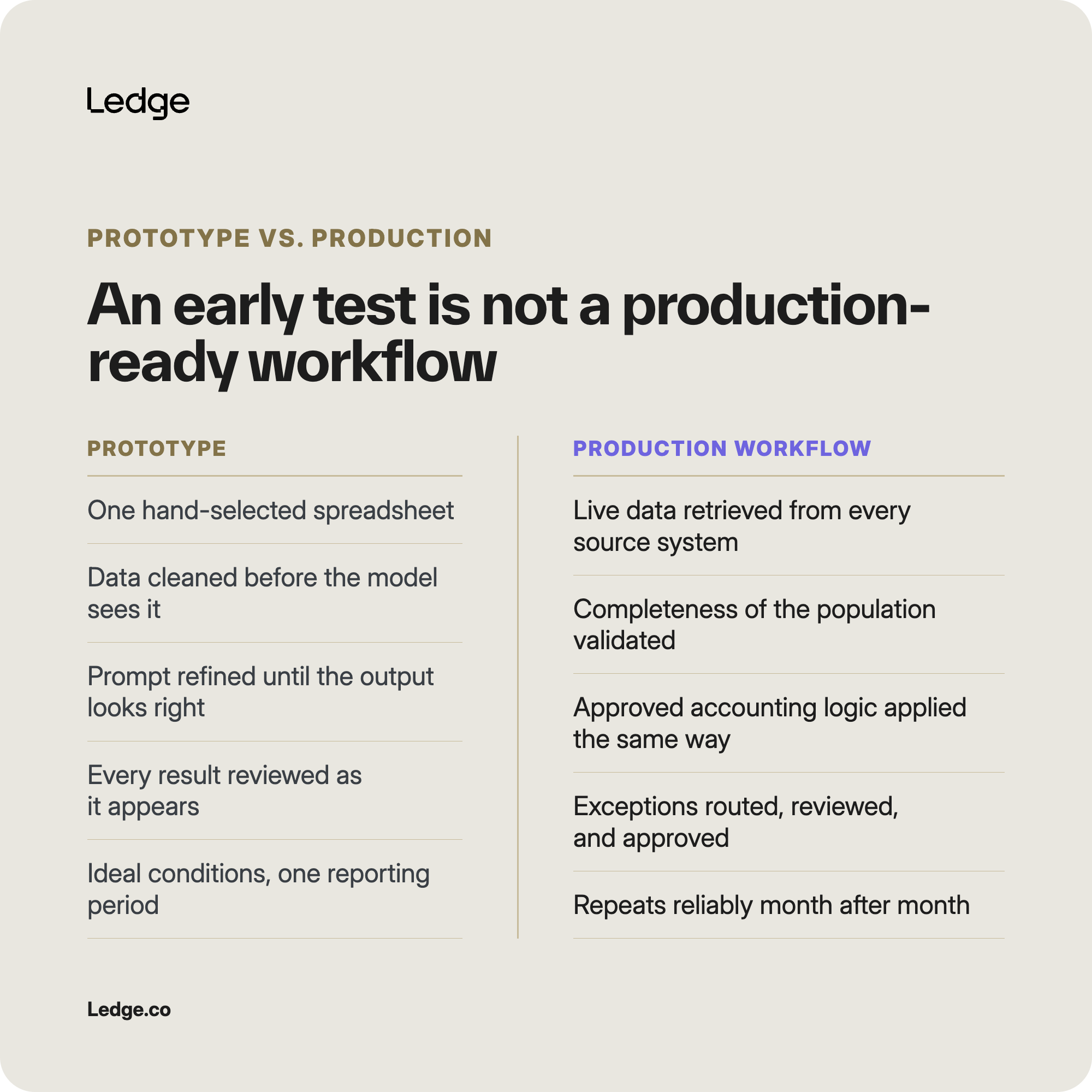
Many of these problems do not come from the AI model itself. They arise because the agent was built around a successful prompt rather than the full accounting workflow.
Here are the most common mistakes accountants make when building AI month-end close agents—and how to avoid them.
1. Starting with the prompt instead of mapping your close workflow
One of the most common mistakes is beginning with the question:
What should we ask the model to do?
A better starting point is:
How does this close task actually work from beginning to end?
A prompt may describe the output you want, but it rarely captures the entire accounting process surrounding that output.
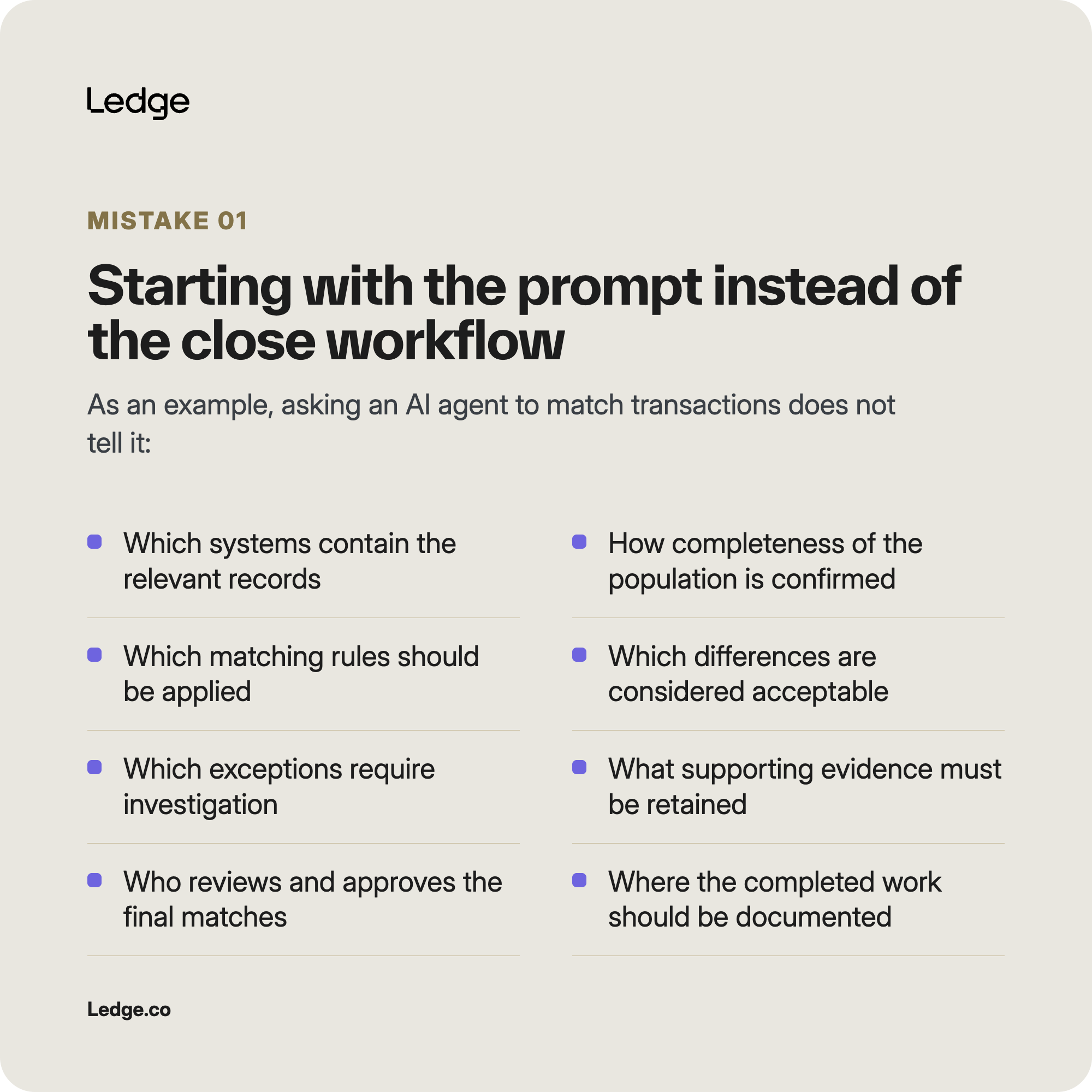
For example, asking an AI agent to match transactions does not tell it:
- Which systems contain the relevant records
- How the team confirms that the transaction population is complete
- Which matching rules should be applied
- Which differences are considered acceptable
- Which exceptions require investigation
- What supporting evidence must be retained
- Who reviews and approves the final matches
- Where the completed work should be documented
Without that context, the AI agent may complete the prompt without completing the accounting task.
It might generate a list of proposed matches while using an incomplete data set, the wrong reporting period, or criteria that do not reflect the company’s accounting policies.
How to prevent this mistake
Map the close workflow before building the AI agent.
Document what initiates the task, which systems and files are involved, which rules are applied, where judgment enters the process, what evidence is required, and who approves the final work.
The AI agent should be designed around the recurring close process—not only the desired output.
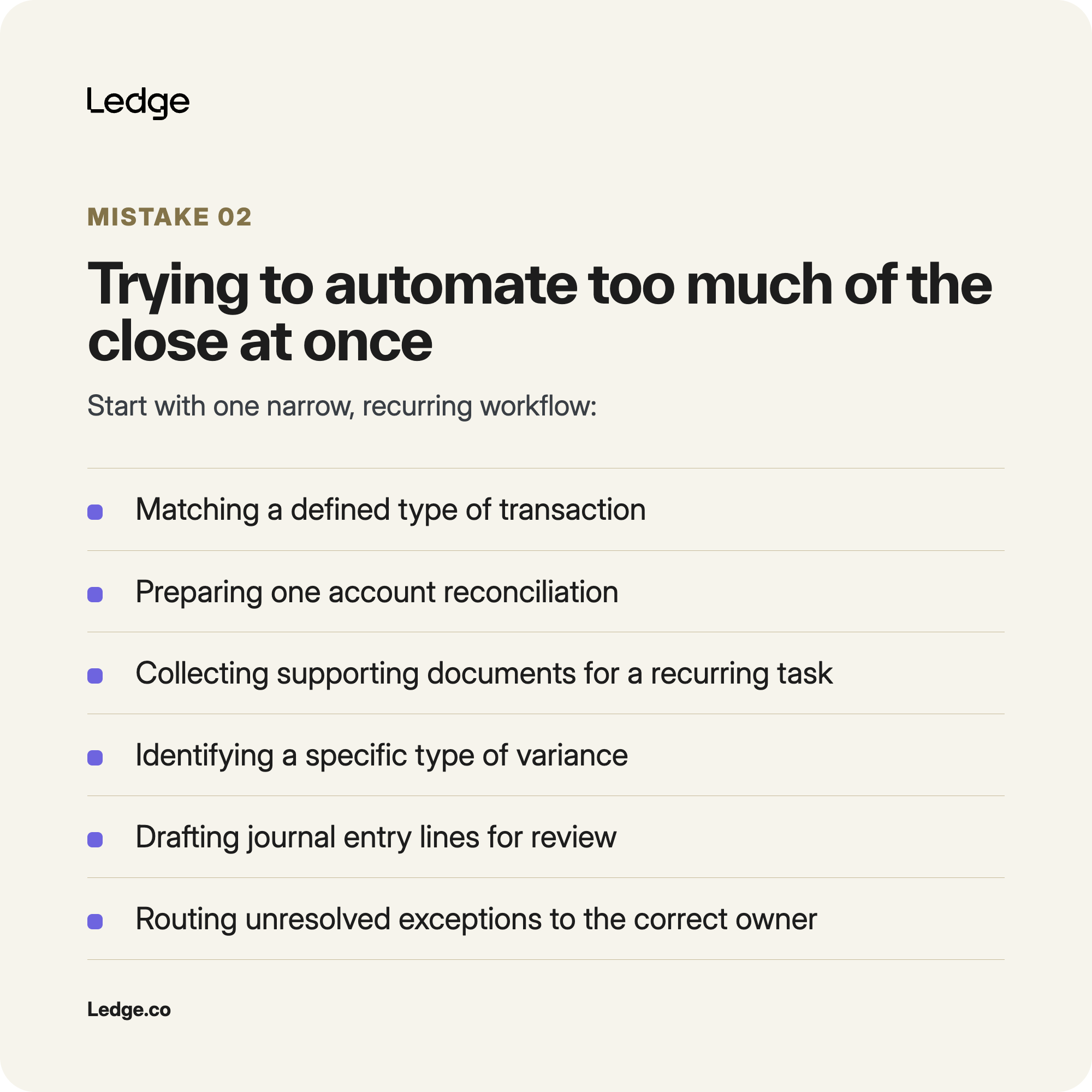
2. Trying to automate too much of the close at once
The month-end close contains many connected tasks. That can make it tempting to build one broad AI agent that handles reconciliations, journal entries, supporting documentation, flux analysis, and checklist updates.
But broad scope introduces too many variables at the beginning.
When the AI agent produces an incorrect result, it may be difficult to determine whether the problem came from the data, accounting logic, prompt, integration, model, exception handling, or approval workflow.
A large project also makes testing more difficult because the team must validate many different outputs, edge cases, and control points at the same time.
How to avoid this mistake
Start with one narrow, recurring workflow.
Strong starting points may include:
- Matching a defined type of transaction
- Preparing one account reconciliation
- Collecting supporting documents for a recurring task
- Identifying a specific type of variance
- Drafting journal entry lines for review
- Routing unresolved exceptions to the correct owner
Choose a task with a clear beginning, a recognizable output, established accounting logic, and a defined reviewer.
The first agent does not need to automate the entire close. It needs to take meaningful, repeatable work off the accounting team’s plate.
3. Assuming one successful test means the AI agent is production-ready
A successful test can make an AI agent appear more independent than it really is.
During an early experiment, an accountant may manually select the correct spreadsheet, clean the data, add missing context, correct formatting issues, refine the prompt, and review every output as it is generated.
Those interventions may not be obvious when evaluating the final result.
The next reporting period may look different. Transaction volumes may increase. A report may gain a new column. A new entity may be added. Supporting documentation may arrive late. An unfamiliar exception may appear.
An agent that performed well in one controlled test may not be ready to handle those changes.
How to avoid this mistake
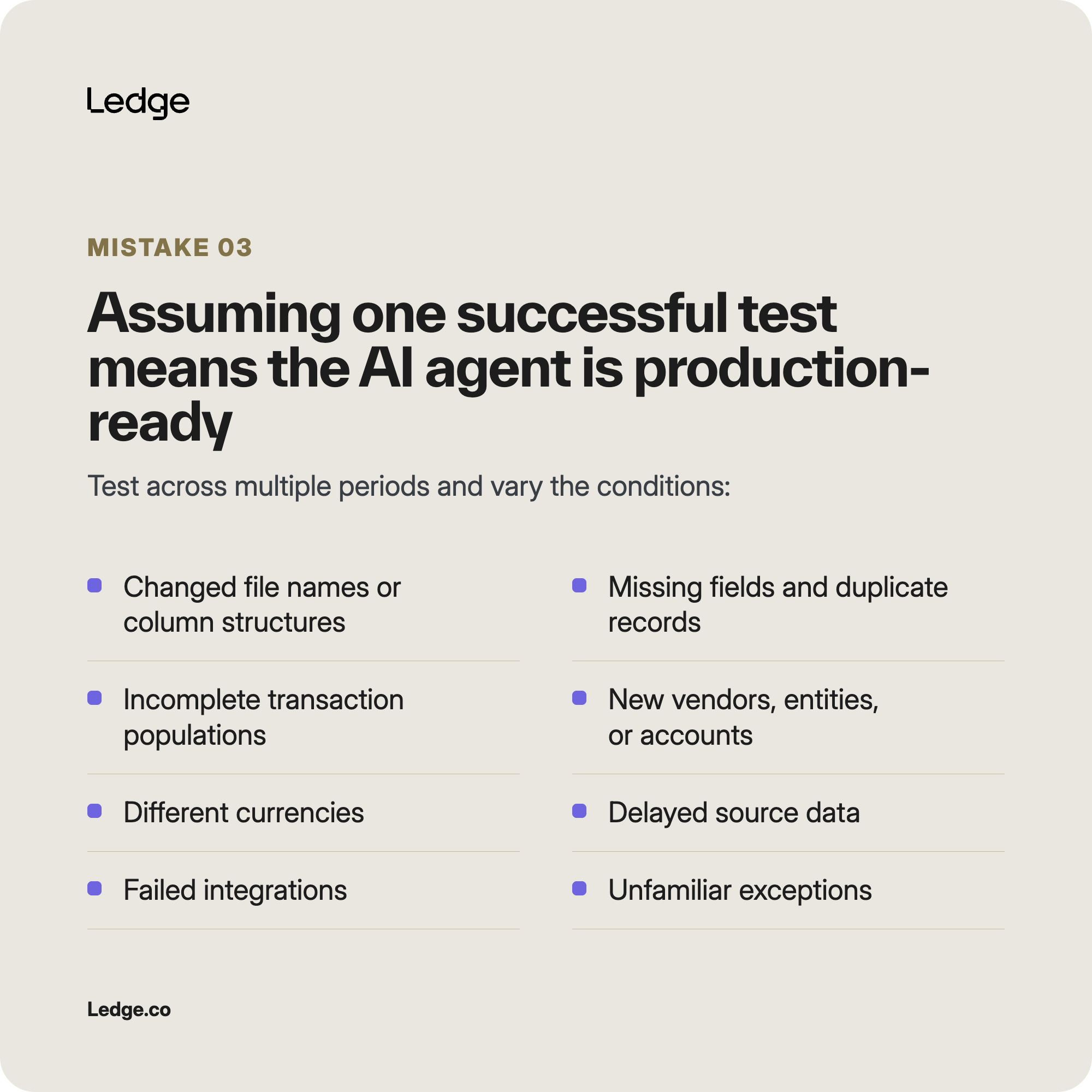
Test across multiple reporting periods and deliberately vary the conditions.
Include scenarios such as:
- Changed file names or column structures
- Missing fields
- Duplicate records
- Incomplete transaction populations
- New vendors, entities, or accounts
- Different currencies
- Delayed source data
- Failed integrations
- Incorrect reporting periods
- Unfamiliar exceptions
The goal is not only to prove that the AI agent can complete the task.
It is to determine whether it can recognize when the available data or rules are insufficient and stop before producing unreliable work.
4. Relying on manual uploads instead of dependable data connections
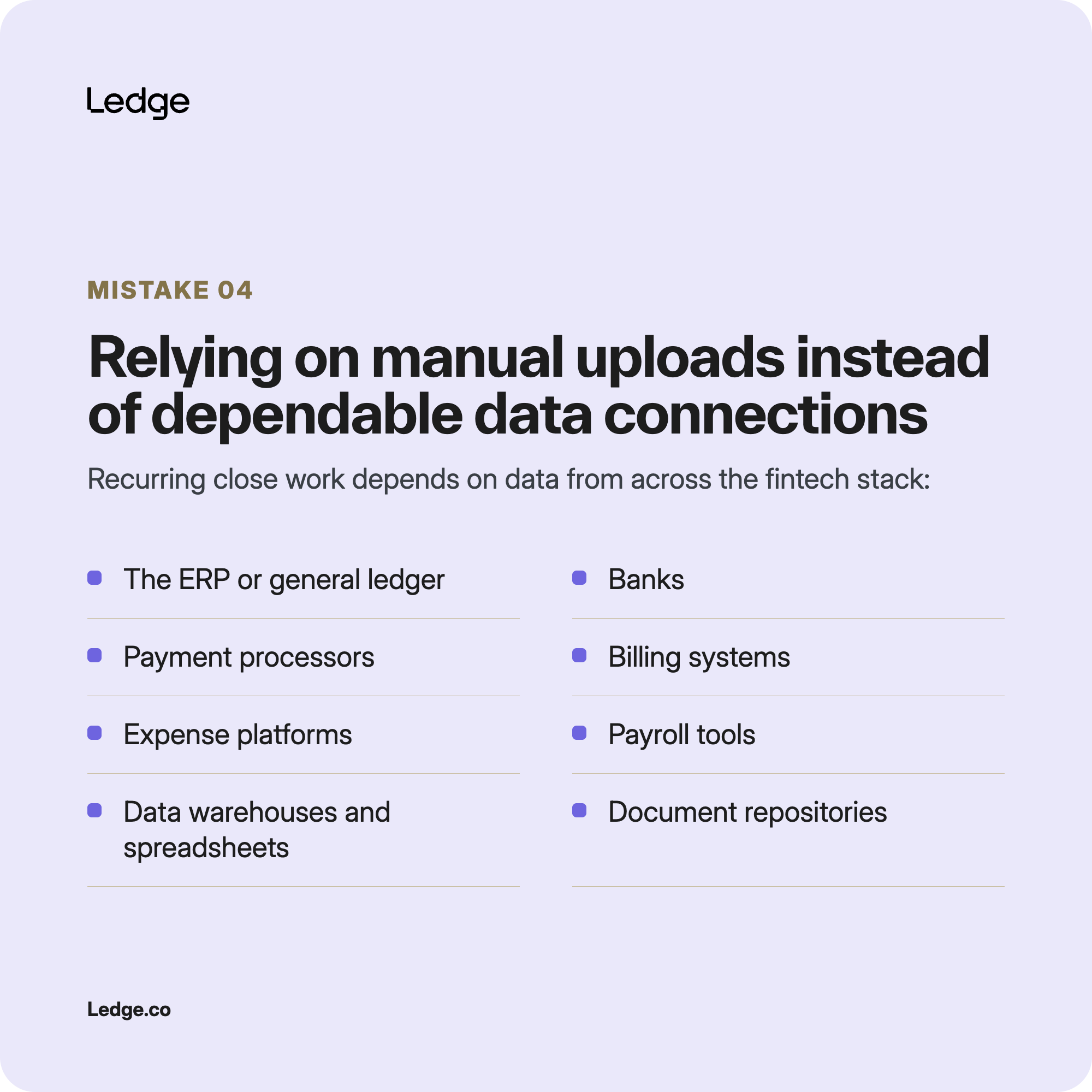
Uploading a spreadsheet is useful during experimentation. But recurring close work often depends on data from multiple systems across the fintech stack.
An agent may need information from:
- The ERP or general ledger
- Banks
- Payment processors
- Billing systems
- Expense platforms
- Payroll tools
- Data warehouses
- Spreadsheets
- Document repositories
- Close-management software
If an accountant must manually retrieve, clean, rename, and upload each file, the workflow is not fully automated.
It also remains vulnerable to human error. The wrong file may be selected. A report may be incomplete. A prior-period spreadsheet may be uploaded. A source may not have finished updating.
How to avoid this mistake
Map every system the agent needs to access.
For each source, determine:
- How the data will be retrieved
- How the reporting period will be confirmed
- How completeness will be validated
- Which fields connect records across systems
- How authentication will be managed
- What happens when the source is delayed or unavailable
- How changes in the data structure will be detected
The agent needs dependable access to the correct data—not simply the ability to analyze a file after someone prepares it.
5. Failing to define the agent’s role in the close
An AI agent that retrieves data presents a different level of risk from one that can create journal entries, update reconciliations, or write information back to the ERP.
Accounting teams sometimes expand the agent’s responsibilities gradually without formally defining what it is allowed to do.
That can create confusion about:
- Which tasks the agent owns.
- Which outputs require review.
- Which actions require approval.
- Which actions should remain prohibited.
- Who is accountable when the result is wrong.
How to avoid this mistake
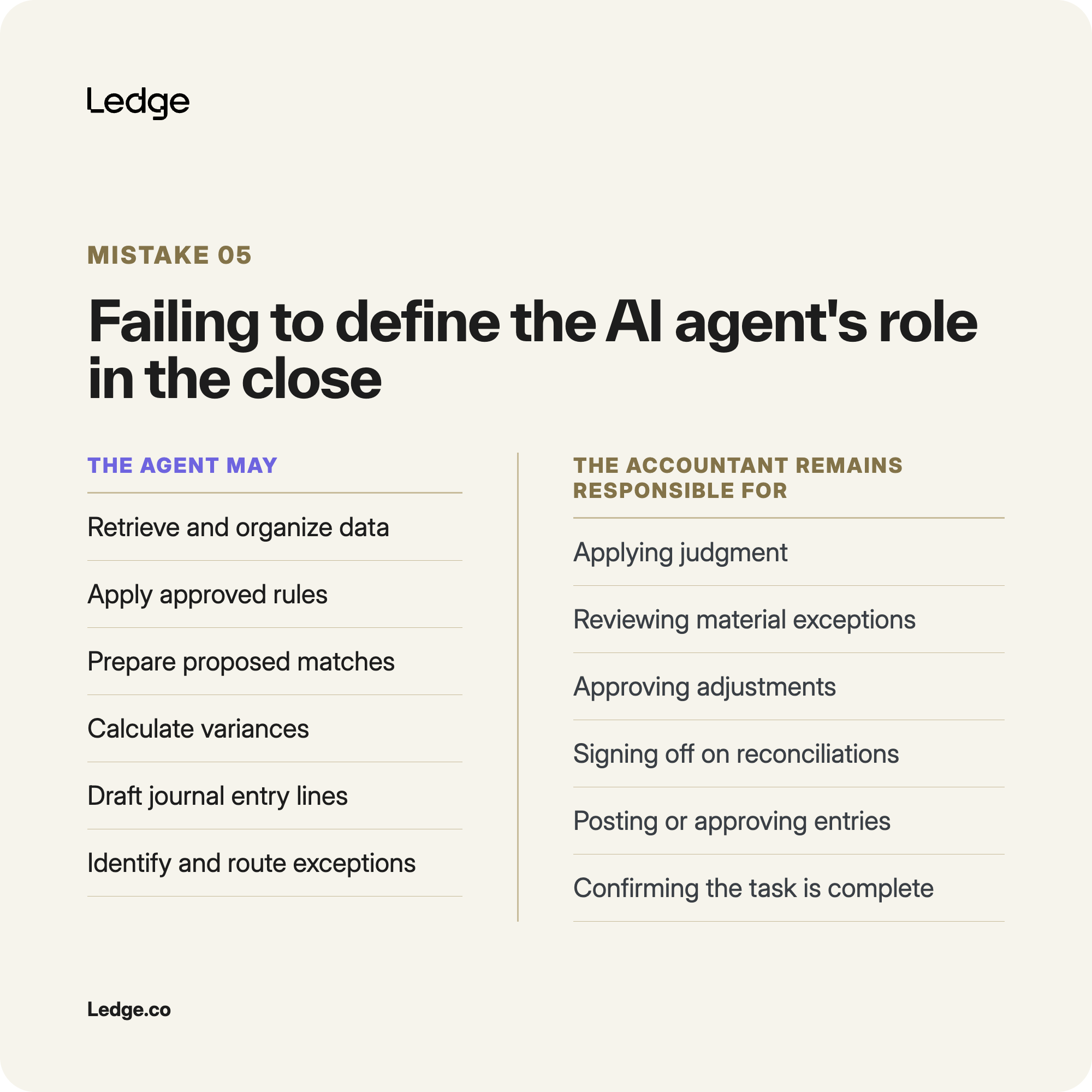
Define a clear division of responsibility between the agent and the accounting team.
The agent may be allowed to:
- Retrieve and organize data
- Apply approved rules
- Prepare proposed matches
- Calculate variances
- Draft journal entry lines
- Gather supporting evidence
- Identify and route exceptions
- Update a close task after approval
The accountant may remain responsible for:
- Applying judgment
- Reviewing material or unfamiliar exceptions
- Approving adjustments
- Signing off on reconciliations
- Posting or approving journal entries
- Confirming that the task is complete
These boundaries should be enforced through permissions and approval gates, not only described in the prompt.
6. Expecting the agent to resolve every exception
A dependable AI accounting agent should not always produce an answer.
Some exceptions require missing information, additional investigation, or professional judgment. If the agent is expected to complete the task no matter what, it may force an unfamiliar item into the closest known category or generate a plausible explanation from incomplete evidence.
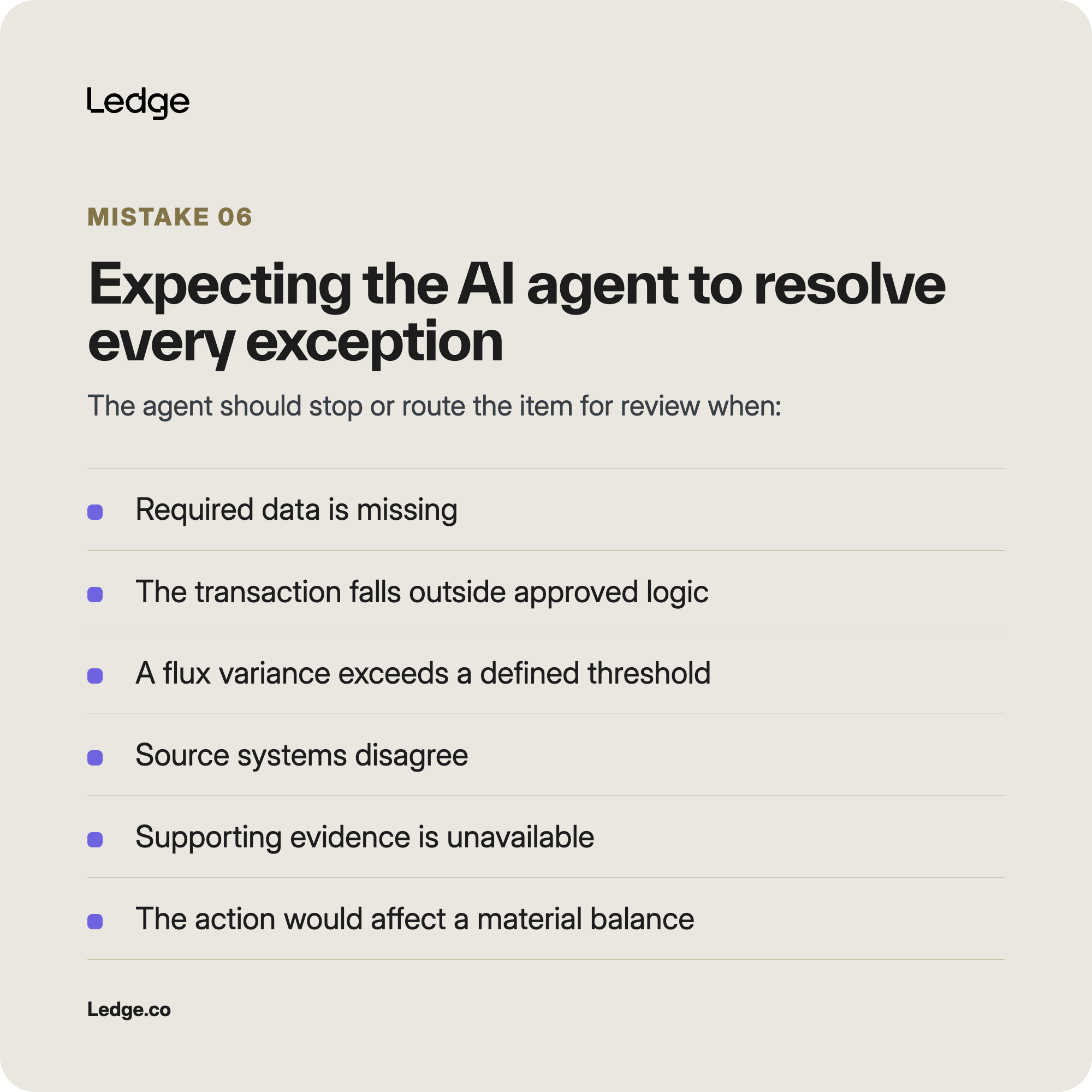
The danger is that the output may sound confident even when the underlying conclusion is weak.
How to avoid this mistake
Define explicit escalation rules.
The agent should stop or route the item for review when:
- Required data is missing
- The transaction falls outside approved logic
- A flux variance exceeds a defined threshold
- Source systems disagree
- Supporting evidence is unavailable
- The proposed action would affect a material balance
- The transaction involves an unfamiliar entity, account, or pattern
- The result falls below an established confidence threshold
A useful AI close agent does not hide uncertainty. It identifies the exception and gives the reviewer enough context to resolve it efficiently.
7. Adding review and approval after the agent is built
Human review is often treated as a final safeguard rather than a core part of the workflow.
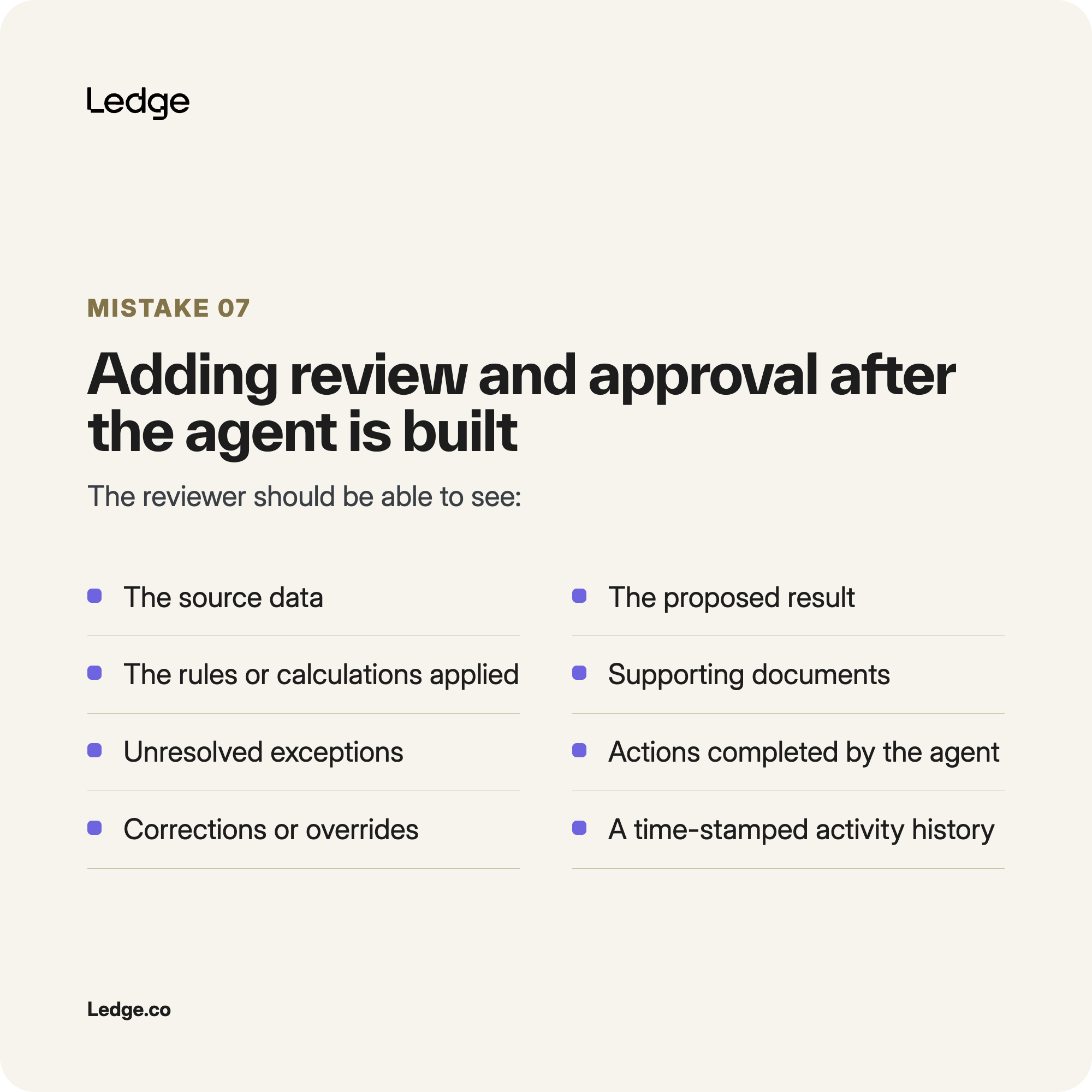
That can result in an inefficient review experience.
The accountant may receive only the agent’s final answer without seeing the source records, calculations, rules applied, supporting documentation, or activity history. The reviewer then needs to reconstruct the work independently.
The agent may reduce preparation time while increasing validation time.
How to avoid this mistake
Design the review experience from the beginning.
The reviewer should be able to see:
- The source data
- The proposed result
- The rules or calculations applied
- Supporting documents
- Unresolved exceptions
- Actions completed by the AI agent
- Corrections or overrides
- The final approval status
- A time-stamped activity history
The goal is to provide an audit-ready work package, not an isolated AI-generated output.
Human review should be a controlled handoff, not a separate investigation.
8. Using AI reasoning for every close task
Tools such as ChatGPT and Claude are useful when a task involves ambiguity, interpretation, or unfamiliar information.
But many close activities should follow the same approved logic every month.
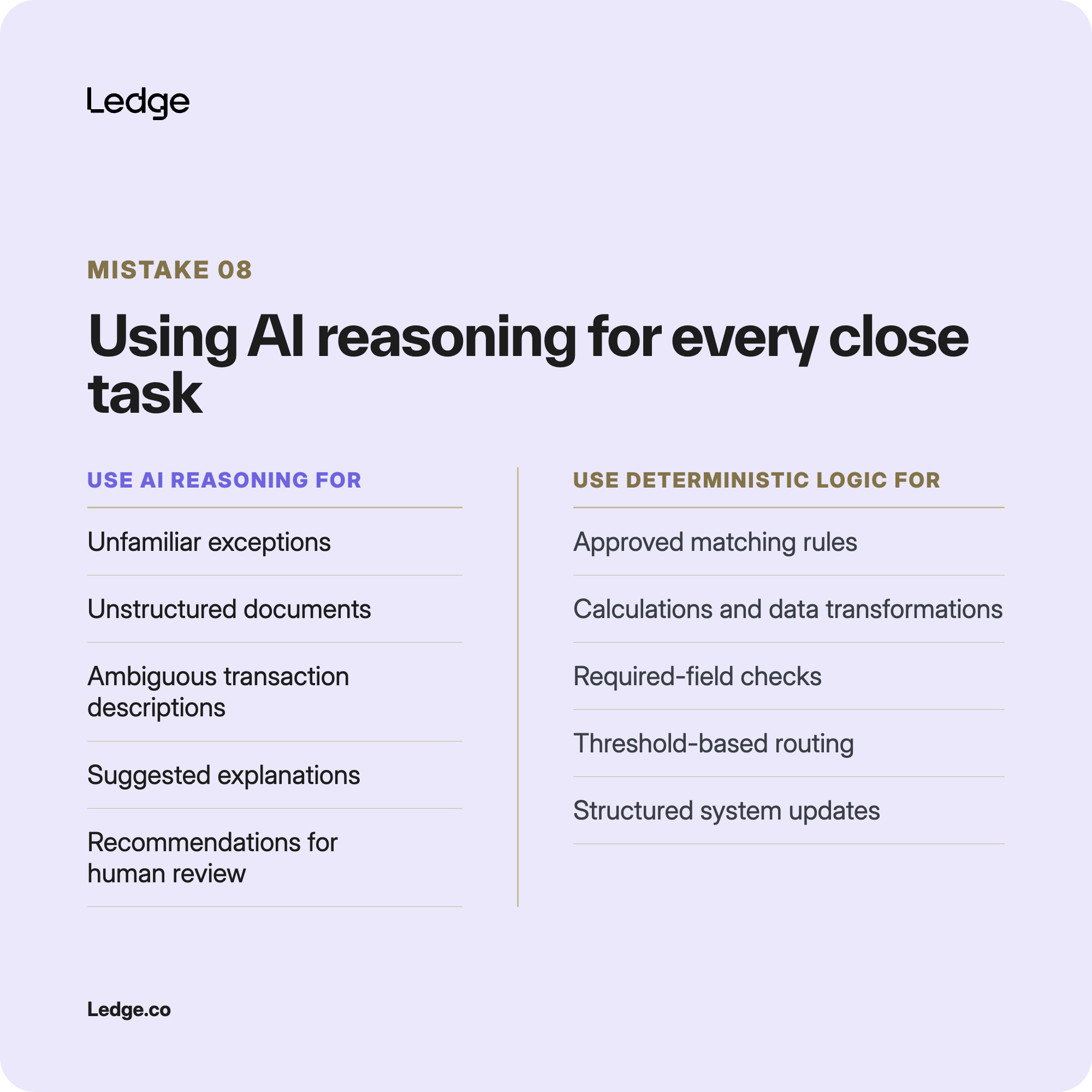
If every calculation, match, data transformation, and workflow update is sent through an LLM, the process may become:
- Less consistent
- Harder to reproduce
- More difficult to test
- More expensive to operate
- More dependent on token usage
- Harder to explain during review or audit
How to avoid this mistake
Separate the workflow into steps that require interpretation and steps that follow established rules.
Use AI reasoning for:
- Unfamiliar exceptions
- Unstructured documents
- Ambiguous transaction descriptions
- Suggested explanations
- Recommendations that require human review
Use deterministic logic for:
- Approved matching rules
- Calculations
- Data transformations
- Required-field checks
- Threshold-based routing
- Structured system updates
- Repeatable close-task execution
AI should be used where interpretation adds value. Established logic should handle the work that needs to remain consistent month over month.
9. Underestimating what it takes for an AI agent to be production-ready
Access to ChatGPT or Claude can make building an agent seem inexpensive.
But the model is only one component of the production system.
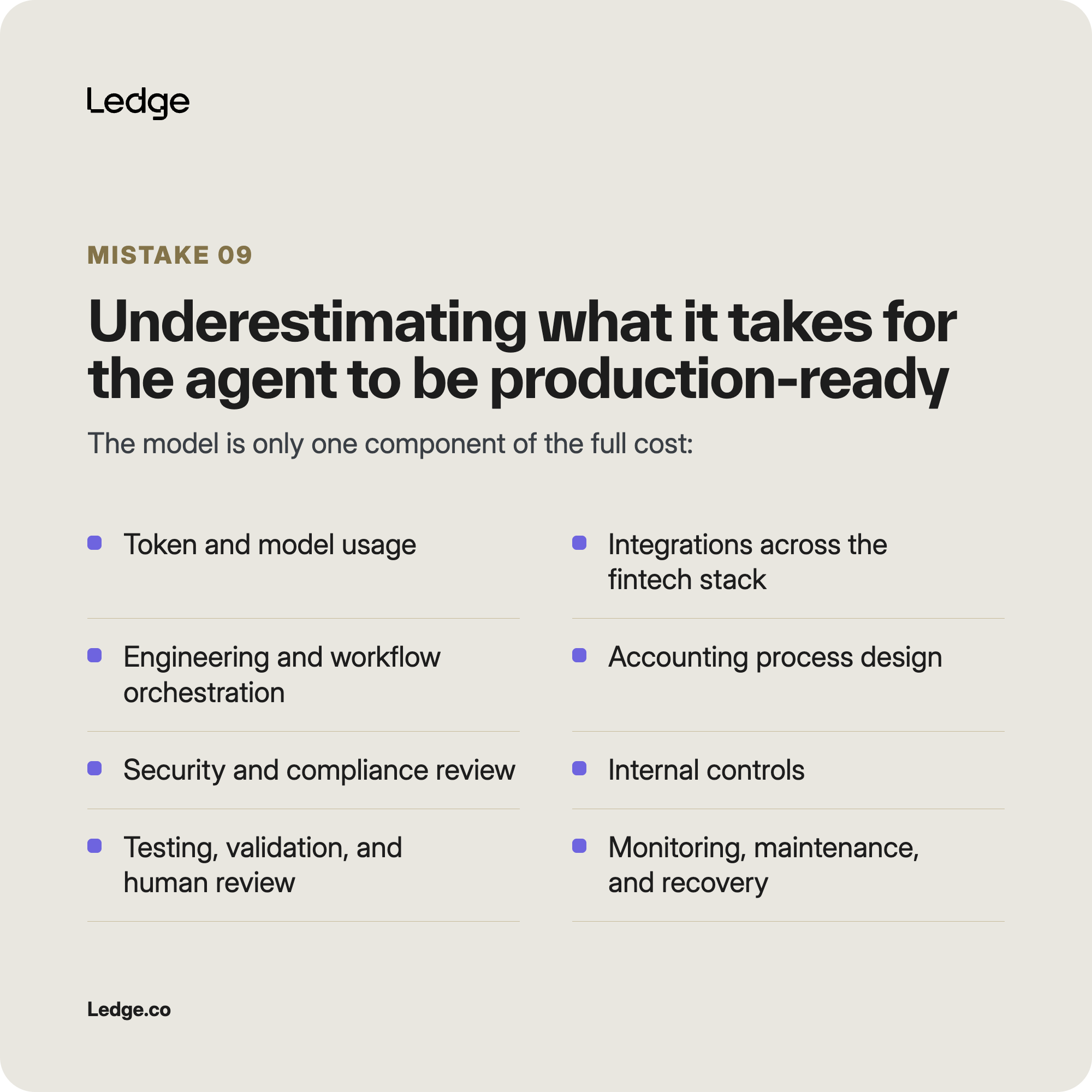
The full cost may include:
- Token and model usage
- Integrations across the fintech stack
- Engineering and workflow orchestration
- Accounting process design
- Security and compliance review
- Internal controls
- Testing and validation
- Human review
- Monitoring and maintenance
- Failure recovery
These costs are often spread across different teams and budgets, making them easy to underestimate.
How to avoid this mistake
Estimate the total cost of ownership before building.
Ask:
- Who will build and maintain the integrations?
- How much accounting-team time will be required?
- Which teams must review security and controls?
- How many periods and edge cases must be tested?
- How much ongoing human review will remain?
- Who will monitor the agent after launch?
- What happens when the workflow breaks?
- How will token costs change as usage grows?
The relevant question is not only whether the company can build the agent.
It is whether it can operate the agent reliably and cost-effectively month after month.
10. Failing to assign ownership after launch
An AI month-end close agent will not remain reliable automatically.
The systems and rules it depends on will continue to change. APIs are updated. Credentials expire. New entities and accounts are added. File formats evolve. Accounting policies and approval thresholds change.
Without a clearly assigned owner, the workflow may continue operating until someone notices that the output is no longer correct.
How to avoid this mistake
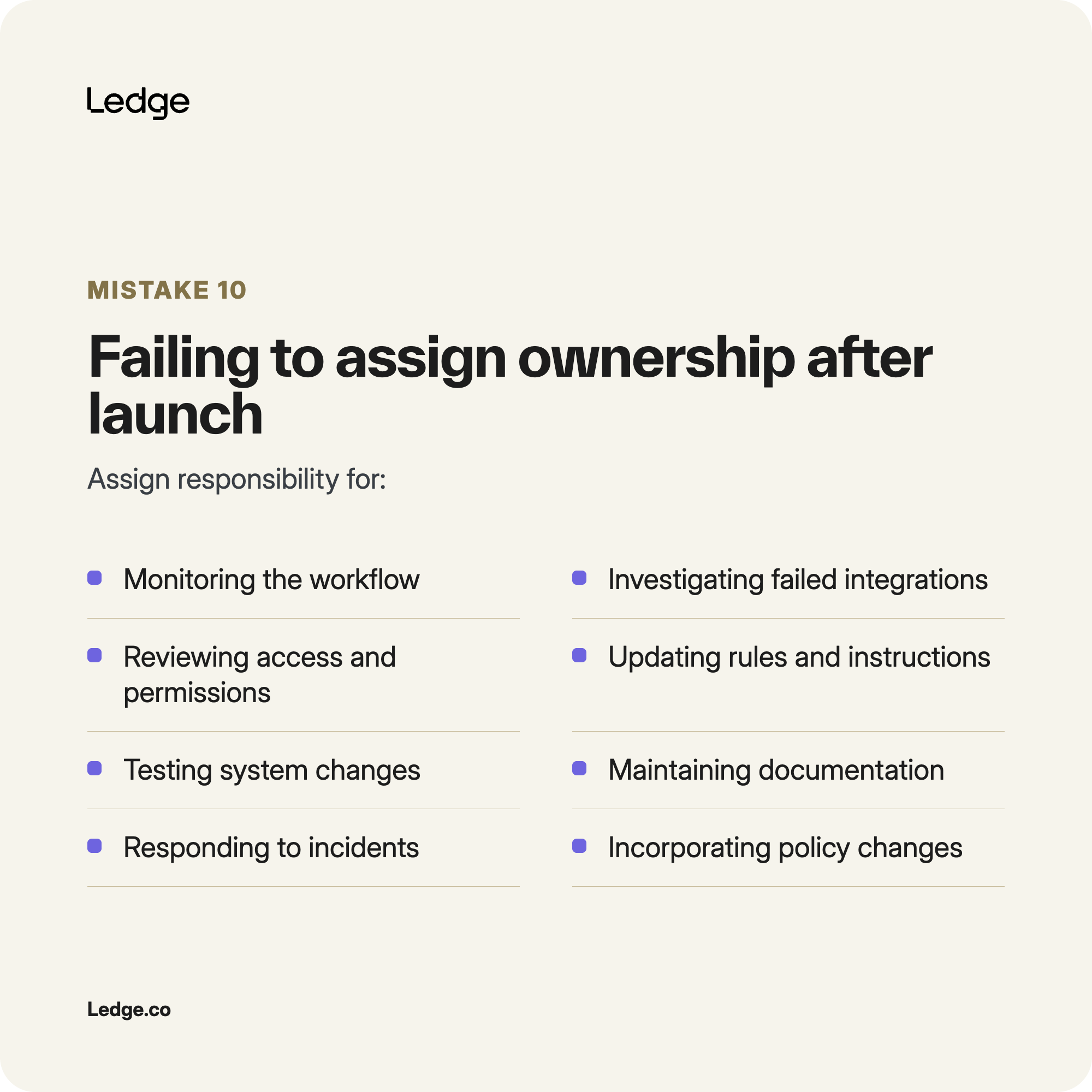
Assign responsibility for:
- Monitoring the workflow
- Investigating failed integrations
- Reviewing access and permissions
- Updating rules and instructions
- Testing system changes
- Maintaining documentation
- Responding to incidents
- Supporting accounting users
- Incorporating policy and process changes
Ownership may be shared across accounting and engineering, but it should never be ambiguous.
The accounting team should know who is responsible for both the technical operation of the agent and the validity of the accounting logic.
11. Not planning for failures during the close
Every production system eventually encounters a failure.
An integration may become unavailable. A credential may expire. A source report may change. The agent may receive incomplete data or apply outdated logic.
A visible failure may delay the work, but it is usually easier to manage than a silent one.
The greater risk is that the agent continues producing work that appears valid after something has changed.
How to avoid this mistake
Build failure detection and recovery into the workflow.
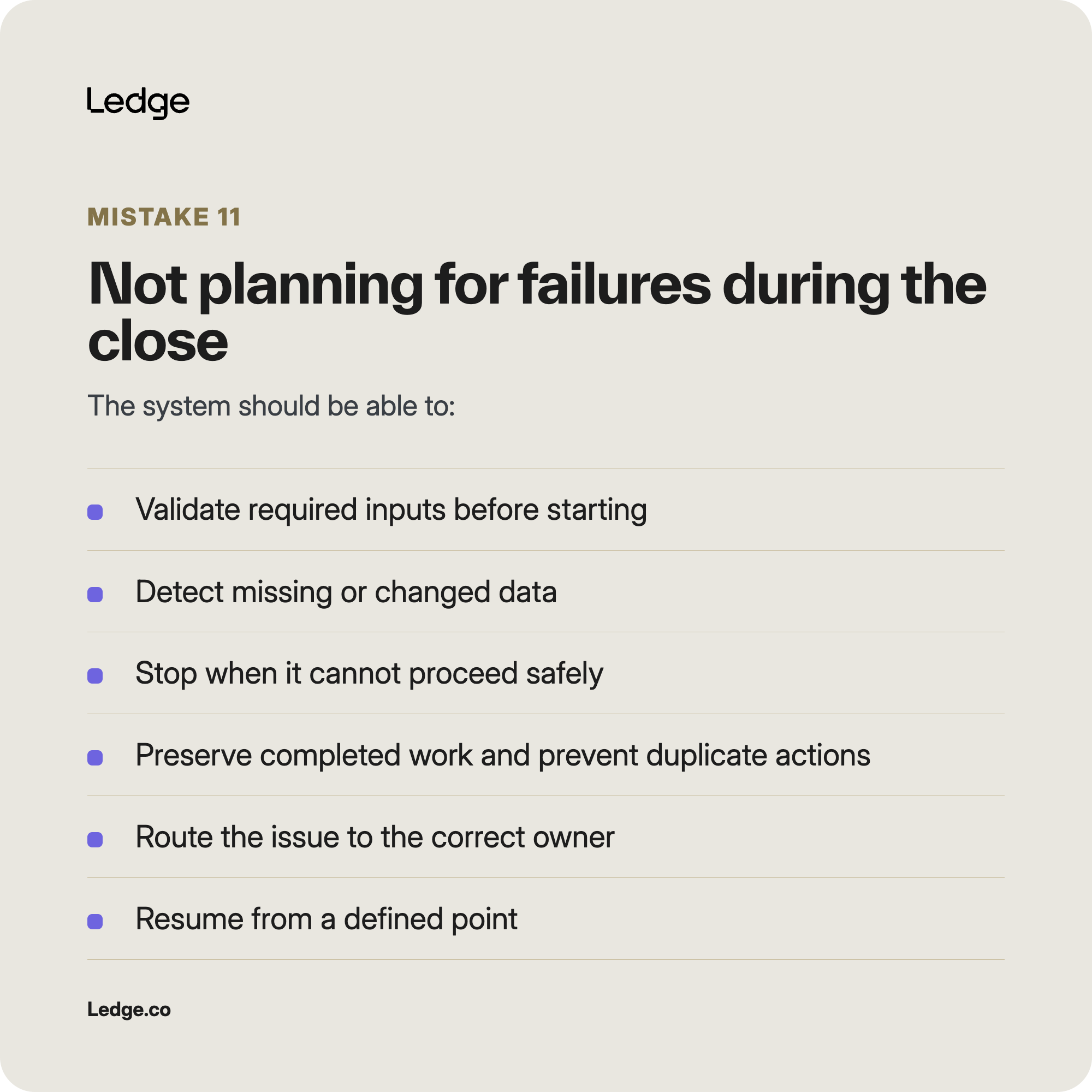
The system should be able to:
- Validate required inputs before starting
- Detect missing or changed data
- Stop when it cannot proceed safely
- Preserve completed work
- Prevent duplicate actions during a retry
- Identify affected accounts or transactions
- Route the issue to the correct owner
- Resume from a defined point
- Maintain a complete activity log
- Show which outputs may need to be reviewed again
Accounting teams should know how they will determine which results can still be trusted and whether any work needs to be recreated manually.
The question is not whether the agent will ever encounter a problem.
It is whether the workflow will fail safely and allow the close to recover quickly.
Build the close workflow, not only the agent
The easiest part of building an AI month-end close agent may be getting the model to produce a promising result.
The harder work is designing the system that allows the agent to participate reliably in the recurring close.
That system includes the workflow, integrations, accounting logic, permissions, controls, exception handling, review experience, audit trail, testing, monitoring, ownership, and recovery plan.
Accounting teams can build better agents by starting narrowly, defining clear boundaries, testing beyond ideal conditions, and keeping accountants responsible for judgment and approval.
The goal is not simply to create an agent that works during a demo.
It is to create a month-end close workflow the accounting team can trust again next month.