

Recently, we've been receiving a lot of questions about the onboarding process for the Ledge platform.
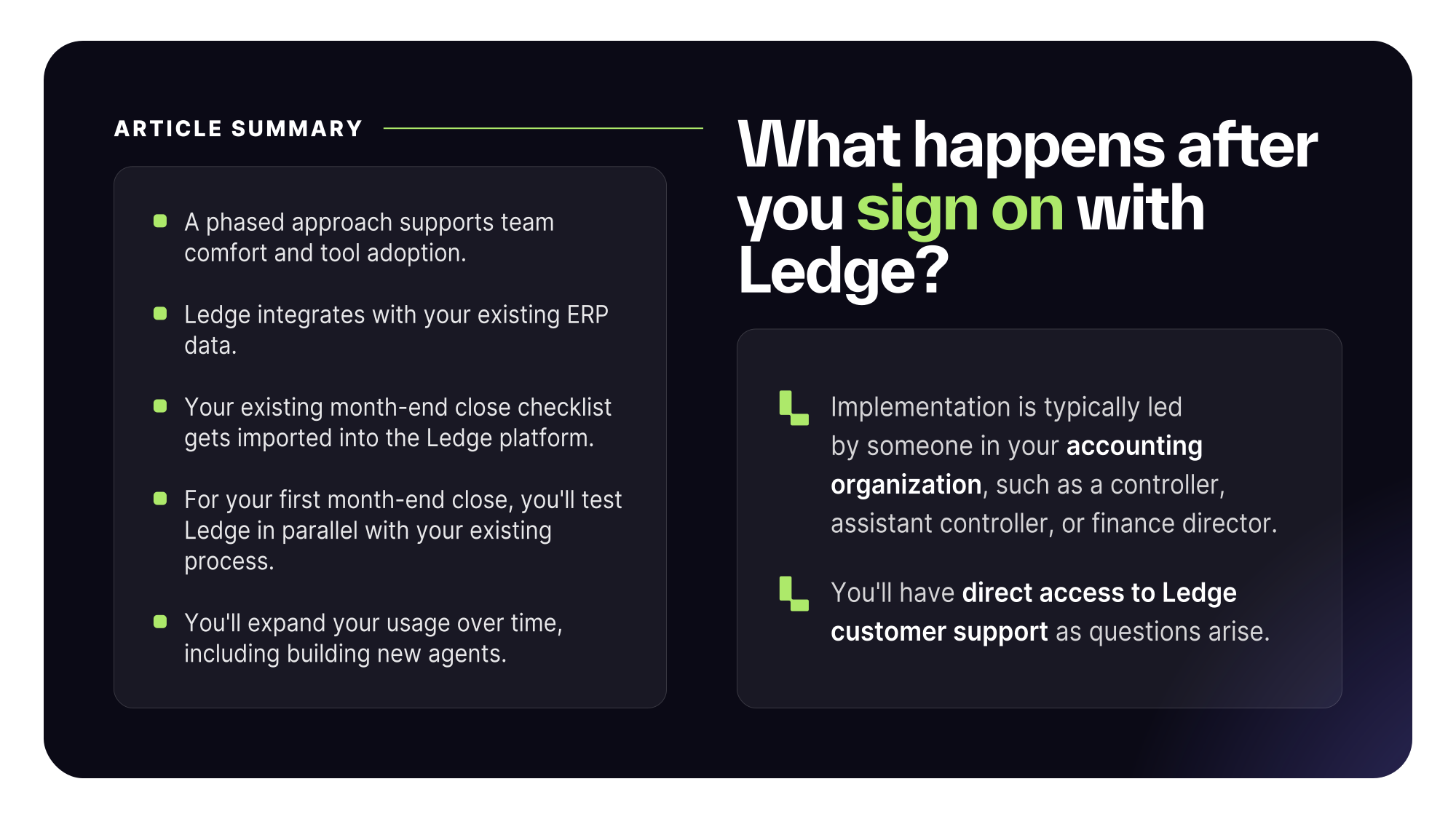
While every team is different, most Ledge implementations follow a similar set of steps. The initial goal is to get your data and month-end close process into Ledge, give your team an opportunity to validate everything is working correctly, and then gradually expand into agent-driven workflows.
Step 1: Kickoff and discovery
The process begins with a simple, structured kickoff call.
During this meeting, the Ledge team introduces the platform, discusses your current close process, and gathers the information needed to begin implementation. We'll outline the precise set of steps in place to help you get up-and-running.
Step 2: Connect NetSuite
The first technical step is connecting Ledge to NetSuite or another ERP. Once the integration is complete, Ledge pulls in your ERP data.
This ensures alignment with your system of record and provides the foundation for workflows such as account reconciliations and flux analysis.
Step 3: Import your month-end checklist
Next, we import your existing month-end checklist into Ledge.
With both your financial data and close checklist in the platform, your team now has a digital representation of the process they already follow each month.
AI agents will use this checklist to follow your team's accounting workflows and policies, exactly. If you don't have a month-end close checklist on-hand, Ledge's customer success team can help you create one.
Step 4: Begin testing in Ledge
At this point, most teams are ready to begin testing workflows inside Ledge. The focus during this phase is making sure everything is functioning correctly and that the team is comfortable working in the platform.
For organizations moving from another close management solution, or even from an existing manual process, Ledge generally recommends running in parallel during the first month-end close.
This allows teams to compare results and confirm that everything is working as expected before making Ledge their primary system.
Step 5: Start building agents
Your month-end checklist serves as the starting point for creating AI agents.
For example, if your checklist includes a task such as booking a journal entry, you can create an agent directly from that task. Once created, the agent remains associated with the task and can run automatically when the checklist is rolled forward into future close cycles.
Most teams start with a small, focusednumber of agents before expanding adoption across additional workflows.
Step 6: Expand usage over time
A typical adoption path looks something like this:
Phase 1: Run Ledge alongside your existing process and validate that everything is working correctly.
Phase : Begin using Ledge more heavily for reconciliations, flux analysis, and agent creation.
Phase 3: Transition to using Ledge as the primary system for the close process.
Rather than attempting to automate everything immediately, many teams prefer to gain confidence in the platform first and then expand agent usage over time.
Who typically leads the rollout?
Implementation is usually led by someone within the accounting organization.
Depending on the size of the team, that may be:
- Controller
- Assistant Controller
- Director of Accounting
The specific title varies by organization, but the rollout is typically owned by the people responsible for managing and executing the close process.
Optional: Agent sprints
Some customers choose to participate in dedicated agent-building sessions with the Ledge team.
During these sessions, members of your accounting team work alongside Ledge's engineering and customer success team to build agents together. The goal is to help teams get comfortable creating agents while having direct access to support if questions arise.
Many organizations use these sessions after they've already tested a handful of agents and are ready to expand adoption more broadly.
Additional tips
Most customers take a phased approach to onboarding.
First, they connect NetSuite and import their month-end checklist. Next, they validate reconciliations and workflows during an initial close cycle. Then they begin building agents for specific tasks and gradually expand usage over time.
This approach allows teams to become comfortable with the platform before moving more of the close process into Ledge.