


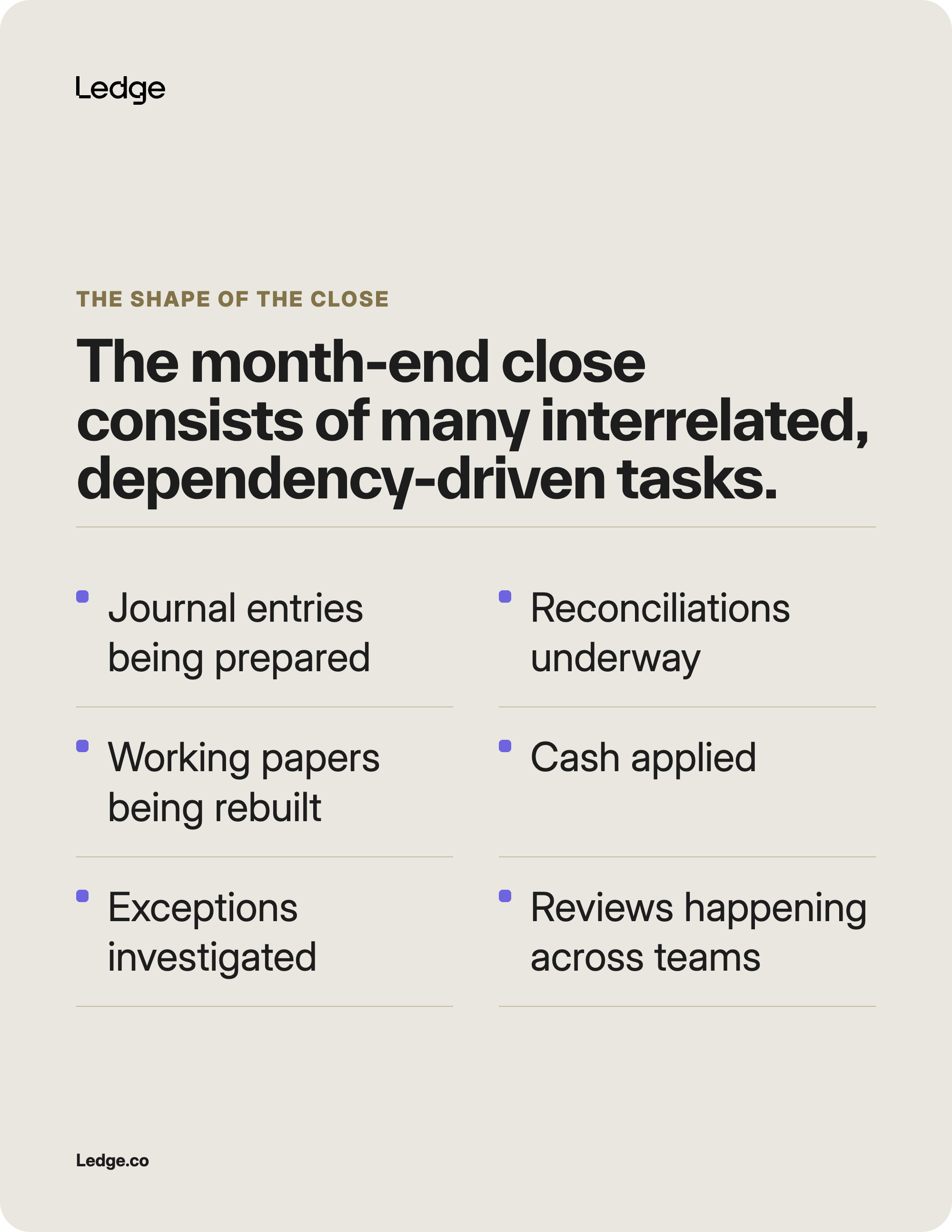
Most finance teams use a checklist to manage their month-end close. That checklist covers everything from journal entries, payment reconciliations, and working papers to accruals, cash application, exception investigations, and reviews. Each task has an owner, required inputs, dependencies, and approvals.
When you're busy getting through the close, it's easy to focus on completing individual tasks rather than thinking about how they all fit together. But understanding those connections can help you find opportunities to reduce manual work and shorten the close.
Almost all close management software is designed to organize and track the checklist, to help teams see what's due, who's responsible, and what's holding things up. For many teams, that's exactly what they need.
But there's a limit to what a checklist can do. It can tell you when a reconciliation is due, but it can't prepare the reconciliation. It can remind someone to finish a working paper, but it can't build one.
If your team already knows what needs to get done, and the close still takes too long, the problem probably isn't the checklist. It's the execution.
That's where AI can help. Rather than replacing your existing close process, AI can take on much of the repetitive work behind individual tasks, including reconciliations, working papers, and draft journal entries. Your checklist still defines what needs to happen, who owns each task, and who approves the results.
This guide will help you figure out whether your current checklist is enough or whether it's time to automate some of the work behind it using AI. We'll cover how to identify what's slowing down your close, where traditional close management software helps, where AI can make a difference, and what to look for when evaluating platforms.
We'll also share examples from our conversations with accounting leaders who are working through these same decisions.
Step 1: Find out where the time behind each checklist item goes
Before you start comparing software, take a closer look at how your team spends its time during the close.
For each item on your checklist, think about how much time goes into three activities:
- Preparation: Pulling data from source systems, cleaning and combining it, applying mappings, building working papers, and drafting journal entries.
- Coordination: Assigning work, following up on missing inputs, getting confirmations, and resolving blockers.
- Review: Checking completed work, investigating variances, approving entries, and posting them.
Traditional close management software primarily helps with coordination. But in our conversations with accounting teams, people also need help with the prep work.
Keep in mind, prep work can be easy to underestimate. A single line on your checklist might represent several hours of manual effort.
To give you a sense of the scale, close checklists commonly contain 100 to 150 items, based on our recent conversations with prospective customers. One controller estimated that 60–70% of their team's close tasks involve repetitive, manual work that follows essentially the same steps every month.
Here are a few examples we've heard from accounting teams:
- A fintech company with more than 50 entities: The team queries its data lake, copies results into spreadsheets, creates pivot tables, prepares journal entries, and uploads them to the ERP. Each task takes three to four hours. The team also handles roughly 2,000 account reconciliations every month.
- A multi-location operator: Each month, the team manually filters and summarizes revenue files containing 30,000 to 100,000 rows per location before posting summary journal entries. Bank reconciliations take even longer.
- A global services company: More than 50 people contribute to a close that takes 12–18 days. The team manually prepares cash reports using bank data from subsidiaries, converts local GAAP to US GAAP, and uploads the results to the ERP.
Each of these processes might appear as a single item on a checklist. But completing that item can involve hours of work across multiple systems.
Of course, coordination can also slow things down. One team we spoke with regularly waits for budget owners to confirm AP accrual amounts. Another relies on email to coordinate with FP&A and wants better notifications when accounting tasks are complete.
Those are real problems that better close management can help solve. But if your team is spending most of its time preparing the underlying work, improving coordination alone won't make a big difference.
Here's a simple exercise to try with your team.
Take the ten most time-consuming recurring items on your checklist. For each one, estimate how many hours go into preparation, coordination, and review. If preparation accounts for most of the time, you've identified an opportunity to do more than track the close. You can start automating the work that's keeping your team busy every month. This month-end close template can help you get started.
Step 2: Decide whether your checklist is enough on its own
Not every accounting team needs AI to manage its month-end close.
If your biggest problems are missed deadlines, unclear ownership, or delays between teams, a traditional close management tool may be enough. These systems make it easier to coordinate work and keep everyone accountable.
But if your team is already well organized and still spends days preparing reconciliations, journal entries, and working papers, a better checklist probably won't solve the problem.
We've heard this distinction repeatedly in conversations with finance leaders.
One team described its close management software as a project management tool that doesn't actually execute the work. Another liked its existing reconciliation tracker but was frustrated that it couldn't automate the underlying tasks.
For larger organizations, even maintaining the checklist can become a burden. One company with roughly 60 entities had to manually check off tasks for every entity, even when its central accounting team posted entries at the group level. Another managed a checklist containing about 400 items.
Despite having dedicated close management software, many teams still do most of their actual accounting work in Excel or Google Sheets. That's where they build calculations, prepare reconciliations, investigate variances, and assemble working papers.
One finance leader pointed out to us that a spreadsheet can track the close nearly as well as a dedicated checklist tool. The bigger concern is whether someone can mark a task complete without anyone understanding or reviewing the work behind it.
What's different when AI executes the checklist?
You don't necessarily need to choose between a checklist and AI. You need to decide what should happen when someone opens a task on that checklist.
In both cases, your team still needs to define the close, assign responsibility, review outputs, and approve entries.
The difference is how much manual preparation happens before an item is ready for review.
Signs your checklist may also need AI
Here are some of the situations we hear about most often.
- Your business is growing, but your team isn't. Transaction volume is increasing, new processes are being added, and finance leaders want to handle the additional work without hiring at the same rate.
- You're managing more entities and accounting requirements. Each new entity brings additional reconciliations, intercompany transactions, and reporting requirements. We've spoken with teams managing 60 to more than 100 entities. One team with more than 25 entities said revenue work alone could stretch beyond a month. Another had more than 70 bank accounts contributing to a ten-day close.
- Spreadsheets are still doing most of the work. Your ERP stores the financial data, your close tool tracks the checklist, and your accountants rebuild reconciliations and working papers in spreadsheets every month.
- The same tasks take hours every period. Bank reconciliations, card accruals, prepaids, commissions, and flux analysis follow similar steps month after month. One team told us manual flux analysis takes an entire day. Another said preparing and investigating flux was the main obstacle to shortening an otherwise four-day close.
- Quarter-end adds several days. One 15-person accounting team closes in six to seven days during a typical month, but needs nine to ten days at quarter-end.
- Reconciliations continue after the books are closed. The team meets its official close deadline, but supporting reconciliations and documentation aren't completed until days later.
- Your current tool's AI features aren't useful enough. Several teams we've spoken with have been disappointed by AI features that help organize work but don't prepare prepaids, accruals, commissions, or payment reconciliations.
- Preparing audit evidence is its own project. Every reconciliation and journal entry needs supporting documentation, but gathering and organizing that evidence still takes substantial manual effort.
If several of these sound familiar, look more closely at how much preparation work is involved.
You may find that your team doesn't need another way to manage tasks. It needs a way to complete them faster.
Step 3: Understand what an AI-enabled close should look like
Once you've identified the work you want to automate, the next question is what to expect from an AI platform. In our experience, there are five areas worth evaluating: checklist coverage, preparation, dependencies, evidence, and controls.
For each one, we'll explain what a good system should do, how we approach it at Ledge, and what your accounting team still needs to own.
1. Coverage: Start with a checklist that manages the right work
A good close starts with an accurate checklist. However, checklists can become difficult to maintain as organizations grow. New entities are added, accounts change, responsibilities shift, and tasks get overlooked.
Adding AI won't solve those problems automatically. If the checklist is incomplete or inaccurate, automation may simply reproduce those gaps.
What to look for: A central close checklist that supports entity-specific tasks and work performed at the group level. Every task should have a clear preparer, reviewer, and approval process. It should also be easy to distinguish work assigned to people from work prepared by AI.
How Ledge approaches it: Ledge builds entity-level checklists from a central definition of the close. Preparers and reviewers are assigned to individual tasks, while work performed at the group level is managed centrally.
What your team still owns: Deciding which tasks belong in the close, which accounts require reconciliation, and how frequently that work needs to happen.
2. Preparation: Get more work ready for review
This is where AI can make the biggest difference.
Knowing that a reconciliation is overdue doesn't help much if someone still needs several hours to prepare it. An AI-enabled platform should be able to take on much of that preparation work.
What to look for: A system that connects to your ERP, banks, and other financial data sources, applies your accounting rules, and prepares reconciliations, working papers, and draft journal entries in formats your team can review.
It should also identify missing information, unusual transactions, and unexplained variances rather than make assumptions or quietly resolve discrepancies.
How Ledge approaches it: Ledge uses AI to prepare reconciliations, working papers, and journal entries using your source data and accounting rules.
In one evaluation, a working paper that normally took one to two hours to prepare manually was completed in approximately 15–20 minutes. Ledge's system also identified six duplicate entries that had been missed during manual preparation.
What your team still owns: Accounting policies, materiality thresholds, and professional judgment. Decisions involving unfamiliar transactions, capitalization versus expense treatment, or new account mappings should still be made by accountants.
3. Dependencies: Keep work moving when inputs are ready
Many close tasks depend on other work being completed first.
You can't finish a reconciliation until the relevant transactions are posted. You can't review a working paper until it's prepared. And you can't complete consolidation until the necessary entity-level work is finished.
Traditional checklists help track these dependencies, but someone may still need to monitor progress and tell the next person when to begin.
What to look for: A platform that understands which tasks depend on others, makes blockers visible, and can start the next task as soon as its required inputs are available.
How Ledge approaches it: Dependencies are built into the close workflow. Tasks remain blocked until their prerequisites are complete. Our AI system begins preparation when the necessary inputs become available. Notifications can be sent through email, Slack, or Microsoft Teams.
What your team still owns: Identifying and documenting the dependencies between accounting tasks. Much of this knowledge may currently live in your accountants' heads, so mapping it is valuable whether or not you implement AI.
4. Evidence: Keep documentation connected to the work
When working papers are stored in shared drives, calculations live in spreadsheets, and approvals happen over email, it's difficult to get a complete picture of how a task was completed. That becomes a problem when managers or auditors need to understand the work.
Your team may end up spending hours finding source reports, reconstructing calculations, or tracking down approval records.
What to look for: Every reconciliation and journal entry should have its supporting evidence attached, including source reports, calculations, working papers, reviewer comments, and approvals.
Reviewers should be able to trace calculations back to source data and see what changed, who changed it, and when.
How Ledge approaches it: Ledge's Accounting AI attaches source information and calculations as it prepares the work. The platform also records task changes, approvals, comments, and reopened items. Supporting files can remain in systems such as Google Drive.
What your team still owns: Defining what constitutes sufficient supporting evidence for each accounting process and making sure documentation meets your organization's control and audit requirements.
5. Controls: Keep people responsible for approvals
Automating preparation doesn't mean automating judgment or approval.
In our conversations with accounting leaders, one concern comes up consistently: teams want to preserve their existing financial controls.
That includes segregation of duties, approval thresholds, ERP permissions, and clear accountability for anything posted to the general ledger.
What to look for: A system that separates preparation from approval, supports your existing control requirements, and requires human sign-off before journal entries are posted.
How Ledge approaches it: Ledge prepares the work for accountants to review. Approval workflows and thresholds are configured during implementation, and approved entries move through the ERP's existing controls.
What your team still owns: Approval authority, accounting decisions, and accountability for the financial statements. Your auditors will still expect evidence that the appropriate person reviewed and approved the work.
Step 4: Test the platform against your own checklist
A software demo can show you what a platform is designed to do. But the best way to understand whether it will work for your team is to test it on your own accounting processes.
At Ledge, we recommend running a parallel close while the AI system gets up and running.
You don't need to automate your entire close to get useful results. Start with one or two recurring tasks and see how the system performs.
First, decide how AI should fit into your existing tools
You may already have a close management platform that your team knows well.
Replacing it may not make sense, particularly if you're managing an existing software contract, an upcoming audit, limited implementation resources, or changes within the accounting team.
We've spoken with plenty of finance leaders who want to automate preparation without immediately replacing their current close management software.
Before beginning an evaluation, decide whether you're looking for a new platform to manage the entire close or an AI solution that can take on specific tasks first.
That will help you design a more useful test.
Questions to ask during your evaluation
Use these questions to compare platforms and make sure you're testing the capabilities that matter to your team.
- Execution: Does the platform prepare reconciliations, working papers, and journal entries, or does it primarily track whether they're complete?
- Checklist compatibility: Can it work with your existing checklist, entity structure, and close process?
- Accuracy: Can reviewers trace calculations and balances back to the original source data?
- Exceptions: What happens when the system encounters unfamiliar transactions or unexplained discrepancies?
- Controls: Does it support your approval workflows, materiality thresholds, segregation of duties, and ERP permissions?
- ERP integration: Can approved journal entries be posted directly to your ERP?
- Auditability: What supporting documentation and audit trails does the platform maintain? Can auditors receive read-only access?
- Maintenance: Who updates the automation when accounting rules, source systems, or close tasks change?
- Adoption: Can your accountants use the system within their existing close responsibilities, without creating substantial extra work?
By the end of the evaluation, you should have a clear idea of which tasks the platform can reliably prepare, how much time it saves, how much review is still required, and what it would take to put it into production.
What can your team do with the time it gets back?
Shortening the close is an important goal, but it isn't the only reason finance teams are interested in AI.
Many accounting leaders we speak with have a long list of work they'd like to do if their teams weren't spending so much time on recurring preparation.
One team told us the close consumed essentially the entire month, leaving almost no time for strategic projects.
In another example, we helped an accounting team reduce the preparation time for a journal entry from eight hours to approximately 15 minutes. The team could then spend more time on analysis.
When we ask accounting leaders how they'd use additional capacity, a few priorities come up repeatedly.
Explain financial results sooner
Many teams want to complete more of their flux analyses during the close instead of spending the following weeks investigating what changed.
For example, a company with 35 entities wants to generate explanations for P&L fluctuations as part of the close rather than preparing them manually afterward. Other teams want more detailed insights into departmental spending, vendor costs, contract changes, and amortization.
The goal is to understand what's happening in the business while the information is still timely.
Give FP&A and leadership better information
When accountants spend less time preparing routine work, they can provide FP&A and leadership with financial information sooner.
Teams we've spoken with want to spend more time preparing monthly operating reports, explaining budget-versus-actual results, and analyzing changes from one period to the next. Others want to improve board reporting by bringing together the P&L, balance sheet, cash position, business metrics, and supporting commentary. Some are also looking for better weekly cash-flow reporting and earlier visibility into consolidated cash.
Catch problems before they reach the close
Reconciliations are important because they help teams identify errors and discrepancies.
But what if more of those problems could be caught earlier?
Accounting leaders are interested in identifying nonstandard card coding before transactions reach the ERP, monitoring for missing purchase orders, and checking amortization schedules before month-end. Others want to strengthen AR and revenue validation or prepare accounting memos with supporting evidence before auditors request them.
These are examples of moving from controls that detect problems after the fact toward processes that prevent or identify them earlier.
Make margin and cost analysis more routine
Margin analysis is another area where teams often depend on time-consuming spreadsheets and one-off projects. Finance leaders want more reliable SKU-level cost mapping, gross-margin calculations, and ongoing visibility into cost changes.
With more preparation automated, their teams can spend less time assembling the data and more time understanding what it means for pricing, profitability, and operating decisions.
Handle more work without growing the team at the same rate
For many finance leaders, the biggest opportunity is capacity. As companies grow, their accounting teams take on additional entities, transactions, reconciliations, and reporting requirements.
Several leaders we've spoken with have described their goal as expanding what accounting and FP&A can accomplish with AI, rather than increasing headcount at the same rate as the workload.
That doesn't mean eliminating the need for accountants. It means giving the people already on the team more capacity to handle complex work, support the business, and apply their professional judgment.
Help your team adjust to the change
Of course, moving from preparing accounting work to reviewing AI-prepared outputs takes practice.
Accountants need to learn how to evaluate work they didn't prepare themselves. Managers need to define what good review looks like, and junior staff still need opportunities to understand how reconciliations, journal entries, and working papers are built.
The important thing is to plan for how responsibilities will change, not just how many hours automation might save.
Make the evaluation specific to your close process
Every accounting team works a little differently.
Your transaction volumes, number of entities, ERP integrations, reporting requirements, accounting policies, and internal controls all influence where automation can help most.
That's why we recommend starting with the work your team already does, rather than a list of features a software vendor wants to demonstrate.
Look at where the hours go. Choose one or two recurring tasks that take too long. Test whether AI can prepare them accurately using your actual data, and make sure your accountants can review the results and supporting evidence.
Include the people responsible for preparing, reviewing, and approving the work in that evaluation. Your accounting leadership, technology team, and professional advisors can also help assess implementation risks and confirm that any changes meet your financial reporting and control requirements.
You don't need to automate every item on your checklist to make progress. Start with the work that's taking the most time, and build from there.
Frequently asked questions (FAQ)
1. Does adding AI mean replacing my month-end close checklist?
No. Your checklist still defines what needs to happen, who is responsible, which tasks depend on others, and who approves the results. AI helps prepare the work behind those tasks, including reconciliations, working papers, and draft journal entries. You may be able to keep your existing checklist while automating selected workflows.
2. What's the difference between close management software and close automation?
Close management software helps your team organize and track the close through checklists, status updates, reminders, and approvals. Close automation helps complete the underlying accounting work by pulling data from source systems, applying rules, and preparing outputs for review. One primarily helps manage the process; the other reduces the manual effort required to complete it.
3. How do you know if your close checklist also needs AI?
Look at what's taking the most time. If your biggest challenges are unclear ownership, missed deadlines, and delayed handoffs, better close management may help. If your accountants spend most of their time manually preparing reconciliations, journal entries, and working papers, automation may offer more value. Other signs include growing transaction volumes, more entities, recurring spreadsheet work, and extensive manual audit documentation.
4. Which month-end close tasks are best suited to AI?
Start with recurring tasks that follow clear accounting rules, rely on reliable source data, and produce results your team can verify. Common examples include bank reconciliations, credit card accruals, prepaids, commissions, cash application, and flux analysis. Work involving unfamiliar transactions or significant accounting judgment should continue to involve an accountant.
5. How should you evaluate a month-end close automation platform?
Run a short proof of value using one or two recurring tasks and real source data from a recent close. Compare the outputs with your existing working papers, review the supporting calculations, and check how the platform handles discrepancies. Also evaluate approvals, ERP integration, audit trails, maintenance requirements, and how easily your team can incorporate the system into its existing processes.
6. What do accounting teams do with time saved by close automation?
Teams can spend more time explaining financial results, supporting FP&A, improving reporting, investigating exceptions, and strengthening controls. Many finance leaders also want to use the additional capacity to handle business growth, new entities, and more complex accounting requirements without increasing headcount at the same rate.