AI-generated journal entries that run inside your close checklist
Ledge uses AI agents to prepare the spreadsheet backup, generate the journal entry, route it for review, and post to NetSuite — with evidence and audit context attached to the close task by default.
With Ledge, we can scale reconciliation without scaling headcount.
We were able to go live quickly without R&D or costly implementers & saw very fast time to value.”

AI Agents that prepare and post journal entries end to end
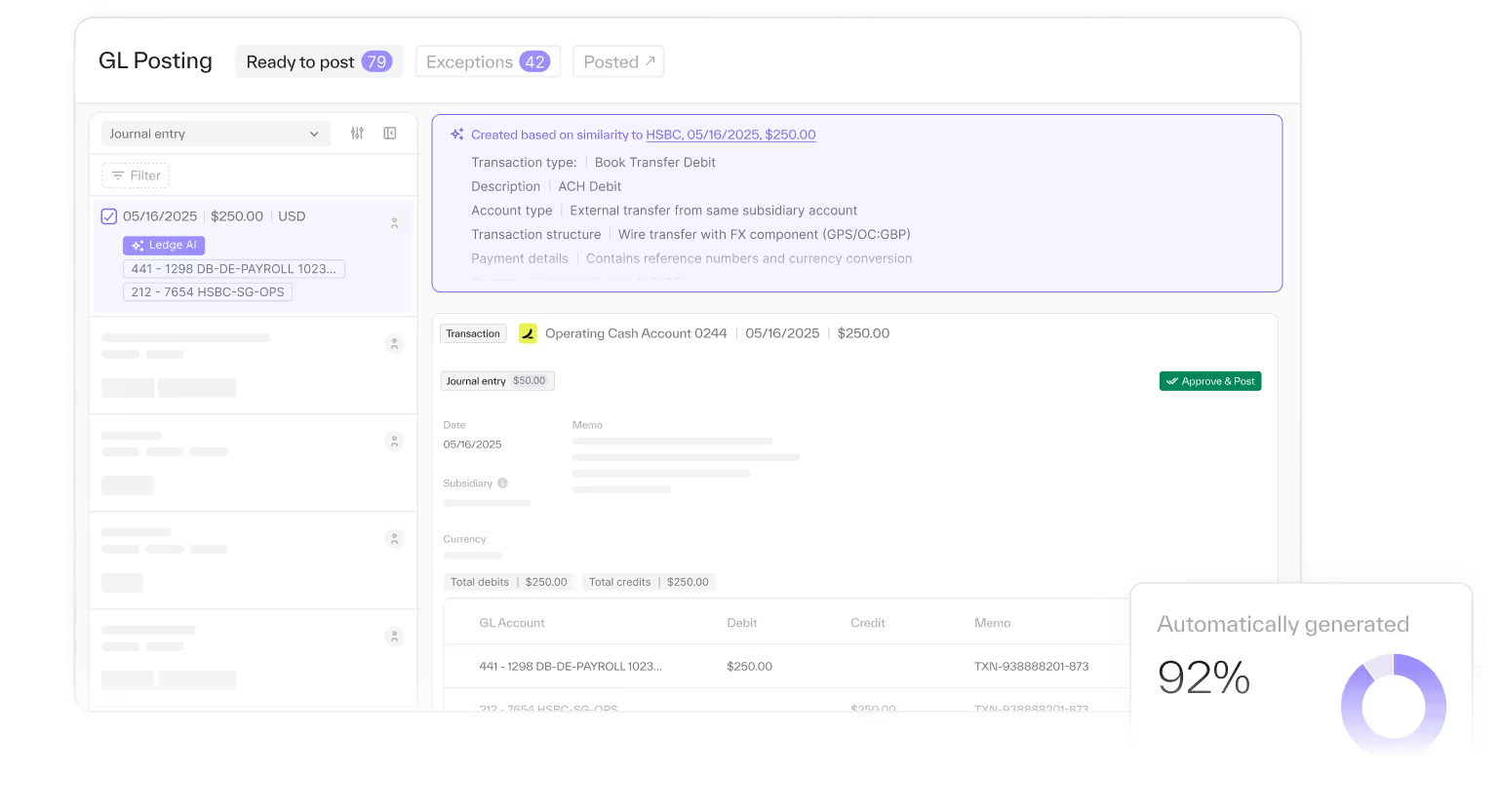
Create journal entries with AI agents that learn your logic and handle the busywork
- Automatically prepare entries across accruals, reclasses, intercompany, FX, and other close workflows — using your structure and thresholds
- Auto-generate journal entry lines directly from the spreadsheet backup the agent builds, with formulas and supporting schedules intact
- Auto-pull the right source data from NetSuite and connected systems, so entries are created from real inputs — not manual exports
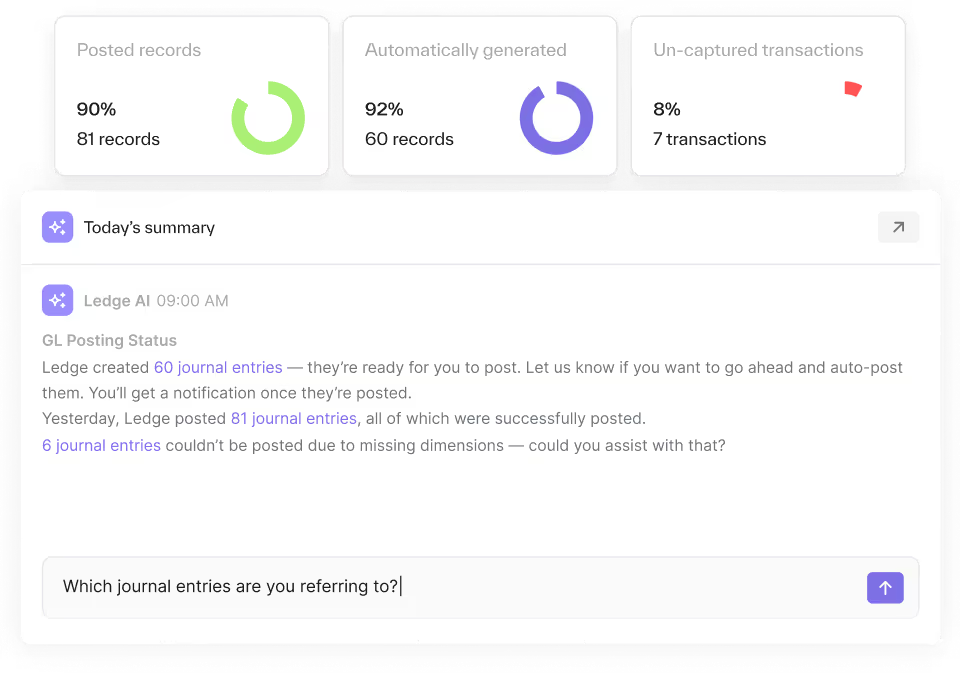
Reduce rework with recurring entry logic and built-in close context
- Carry forward prior-period entry structure, mappings, and logic — so the close behaves the same way each month
- Link each entry to the working paper, source-data tabs, and historical precedent used to prepare it
- Keep a complete record of assumptions, reviewer notes, and changes inside the close task — so context isn’t rebuilt every period
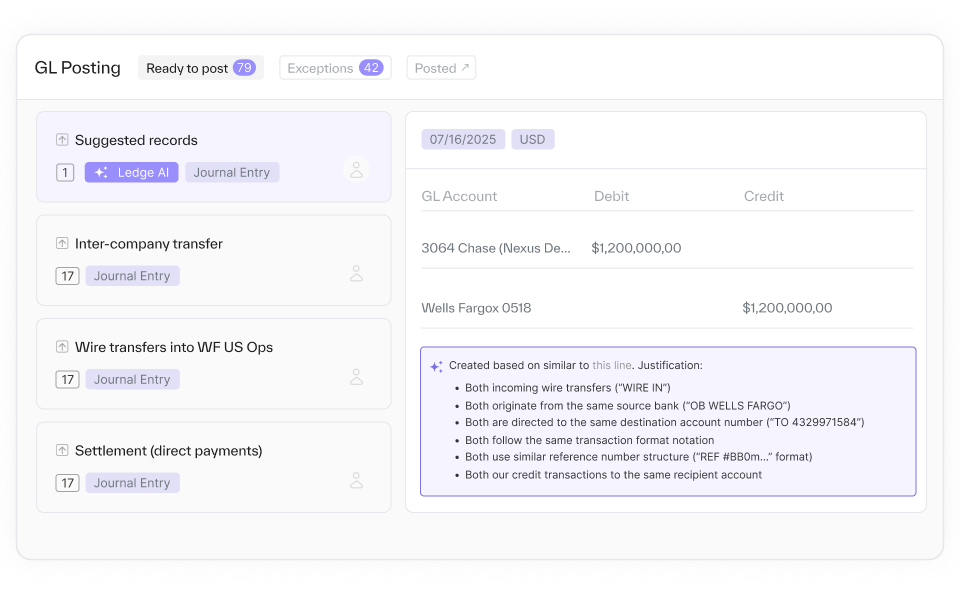
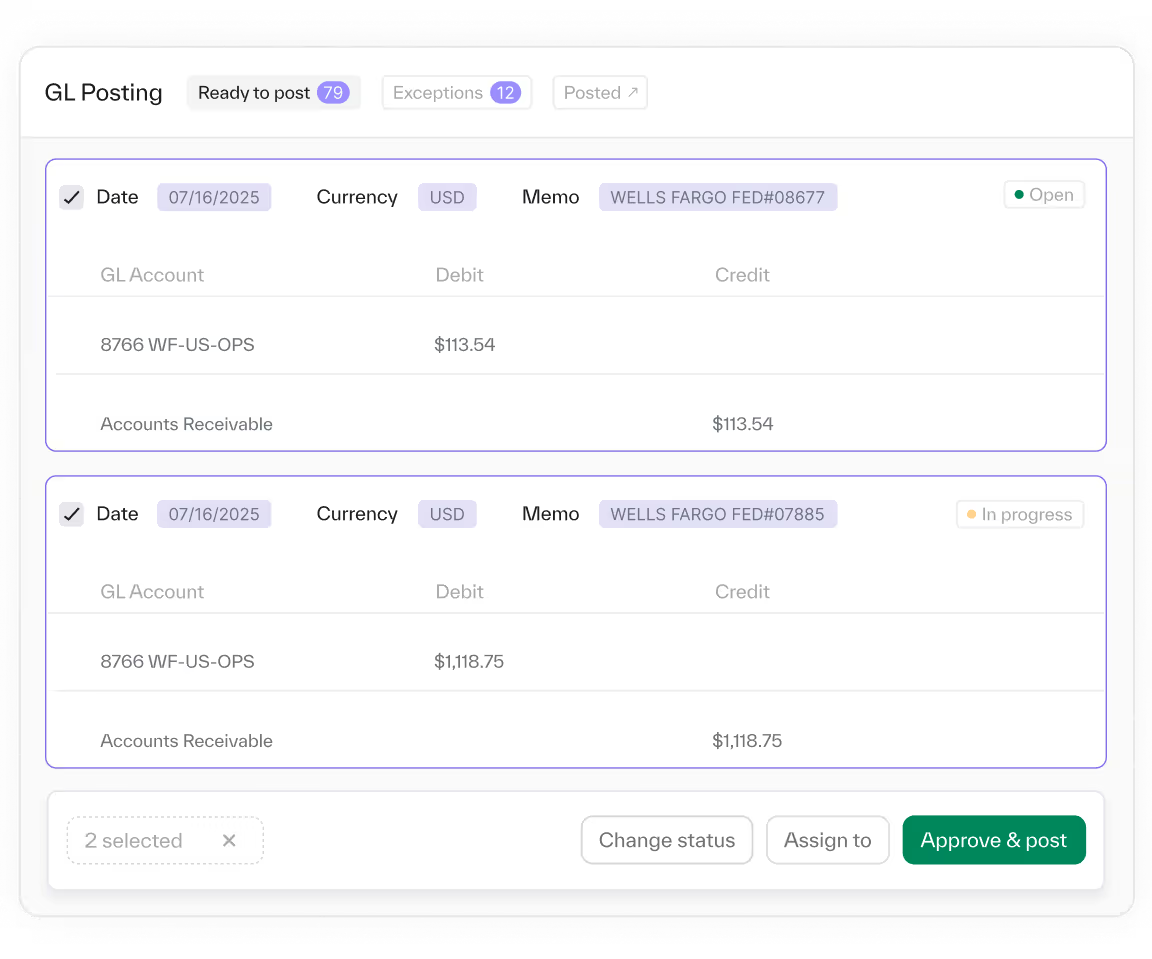
Review, approve, and post, all in one place
- Human-in-the-loop review built in: edit, approve, and post AI-prepared entries with full visibility into how they were calculated
- Post entries directly to NetSuite — no CSV templates, imports, or formatting errors
- Capture posting evidence automatically (including screenshots when required) and auto-attach it back to the close task and spreadsheet backup
Core capabilities


With Ledge, we can scale reconciliation without scaling headcount.

Why finance teams choose Ledge
Audit-ready data, always.
Continuous audit readiness
Every entry, approval, comment, and attachment is retained automatically as part of the close task history.
End-to-end close record
Trace each journal entry from the supporting working paper and source data through review, approval, and posting in NetSuite.
Stress-free sampling
Pull the exact backup and evidence reviewers and auditors expect — without reconstructing support from emails and exports.
100% transparency
See what the agent did, what changed, who approved it, and when it posted — with a complete, defensible trail.
FAQ


No. Ledge drafts journal entries and presents them for human review. Posting requires dual approval — first approved in Ledge, then re-approved in NetSuite. Nothing posts to your ERP without explicit human authorization at both stages. This is a hard architectural constraint, not an optional setting.
Ledge handles recurring journal entries (accruals, prepaids, amortization), intercompany entries, adjusting entries, and reclassification entries. Each entry includes linked spreadsheet backup showing the source data and calculation logic.
You reject or correct it during the review stage. The corrected entry becomes the posted version. Ledge agents learn from corrections — the next period's draft incorporates your feedback. No incorrect entry can post without passing through dual human approval.
Ledge's journal entry workflow includes segregation of duties (preparer vs. approver), dual authorization (Ledge + NetSuite), full audit trail (every step logged), and linked supporting documentation. This architecture satisfies the authorization and documentation controls that SOX requires for journal entries.
Yes. Ledge supports role-based access controls. You define who can view, edit, approve, and post entries. Approval workflows can require specific individuals or roles before an entry moves to the NetSuite posting stage.
Get journal entries that don’t slow you down
Book a demo and see how your team can create, review, and post journal entries automatically, with less manual work and full audit visibility